Figma
I use Figma as my main tool for designing and prototyping interactive experiences. It allows me to turn ideas into fully realized digital interfaces while keeping collaboration simple and efficient. I enjoy using Figma to experiment with layouts, create responsive designs, and build prototypes that feel realistic and engaging. Through my coursework and projects, I’ve learned how to apply UX principles within Figma to create designs that are both visually appealing and intuitive for users. I also love organizing my files with consistent color systems, typography, and component libraries to keep my workflow clean and professional.
Life in Full Bloom:
Website
Life in Full Bloom is an interactive museum exhibit concept that teaches children about the life cycle of flowers through engaging visuals and digital interaction. The desktop version of the website was designed as a companion experience for the physical exhibit, allowing visitors to explore each stage of growth from seed to full bloom in a hands-on and visually dynamic way.
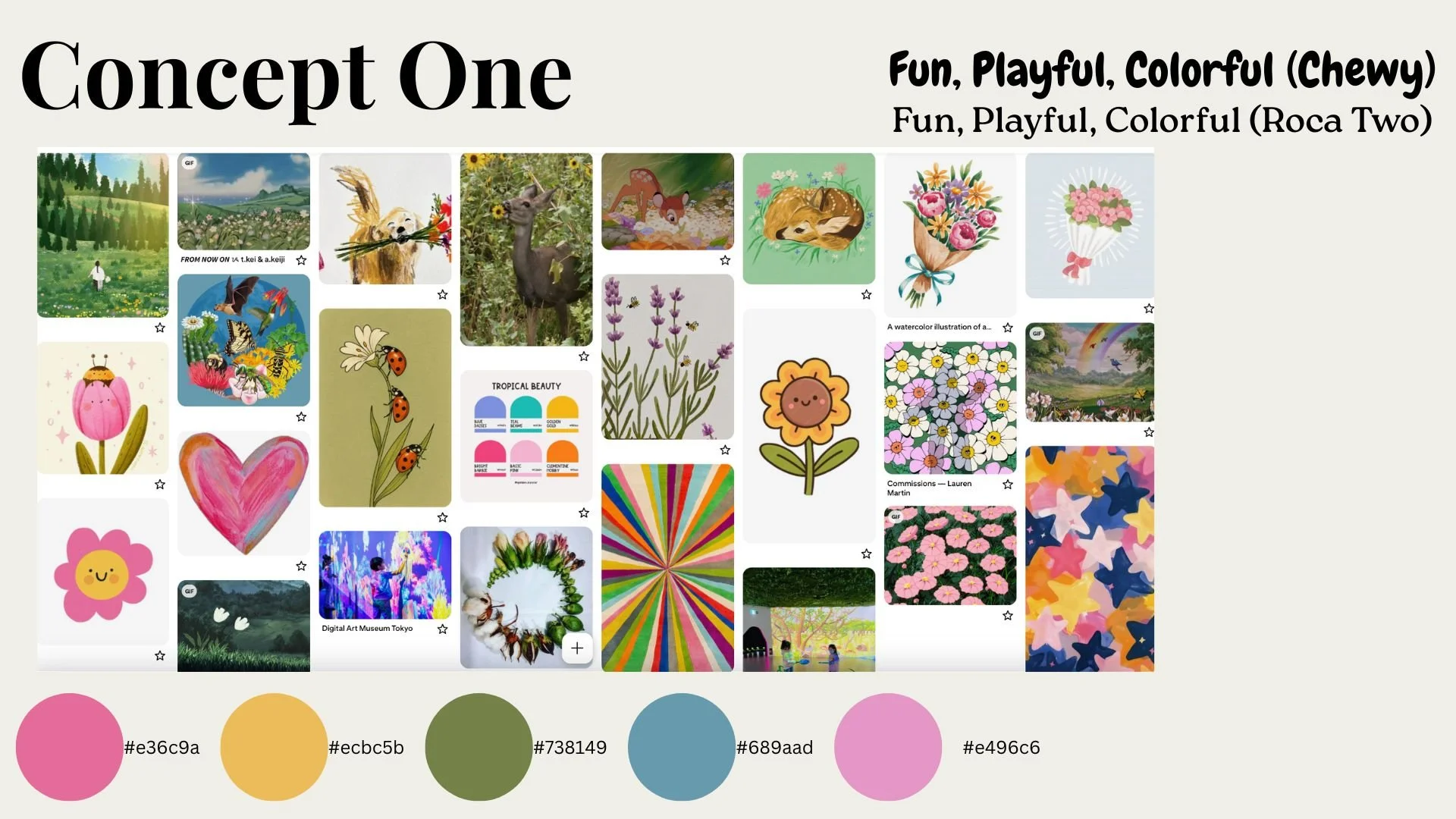
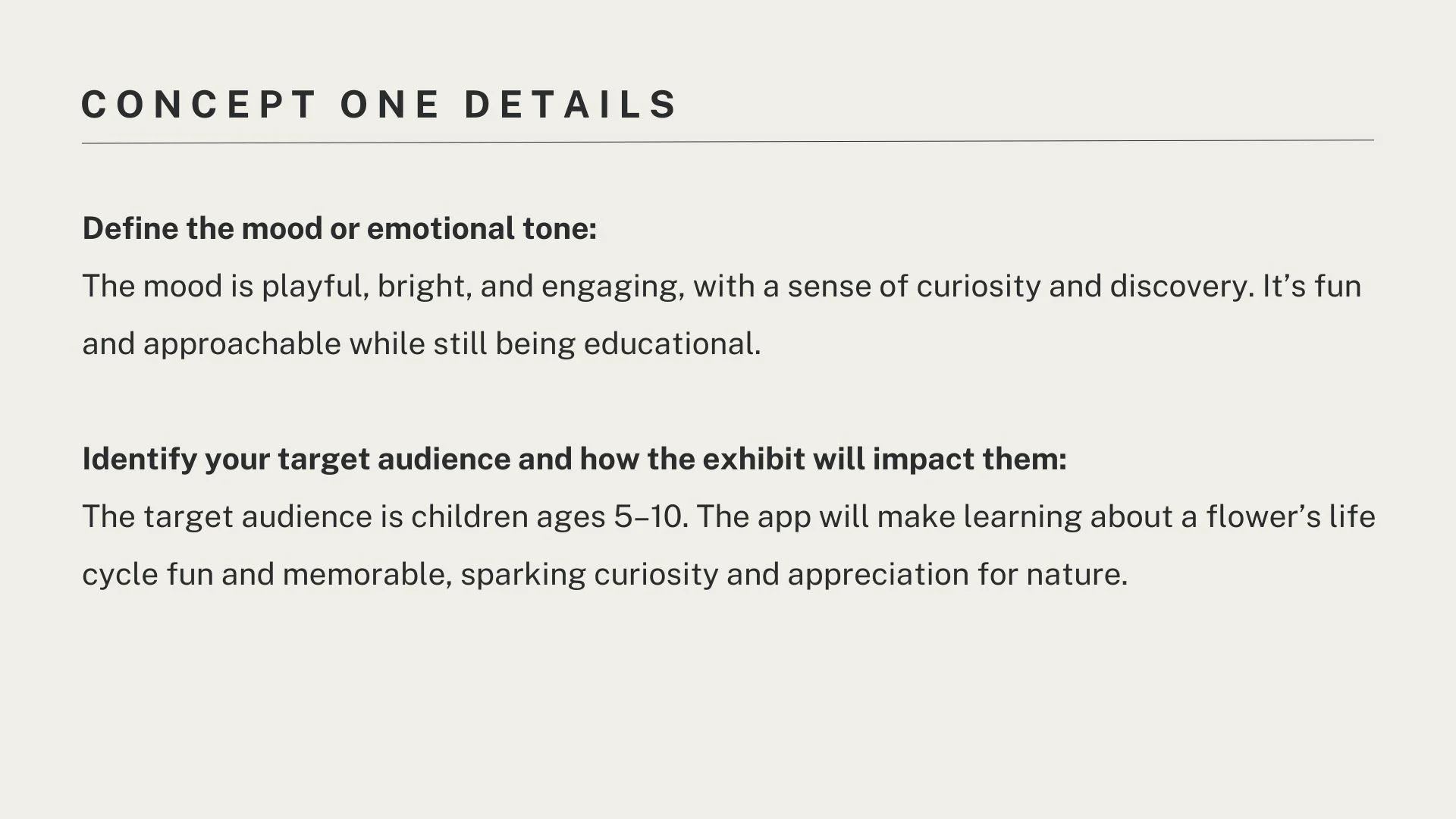
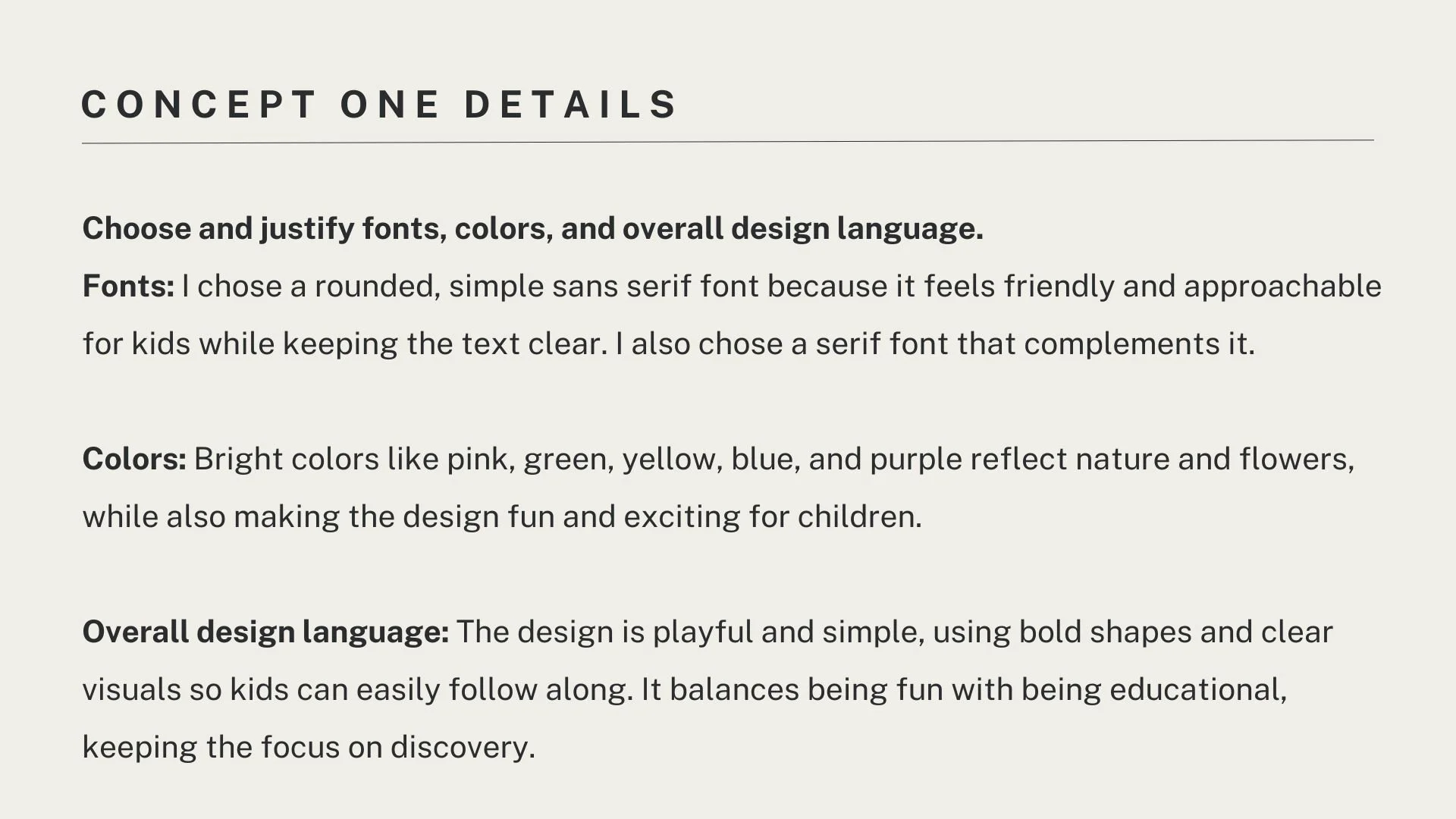
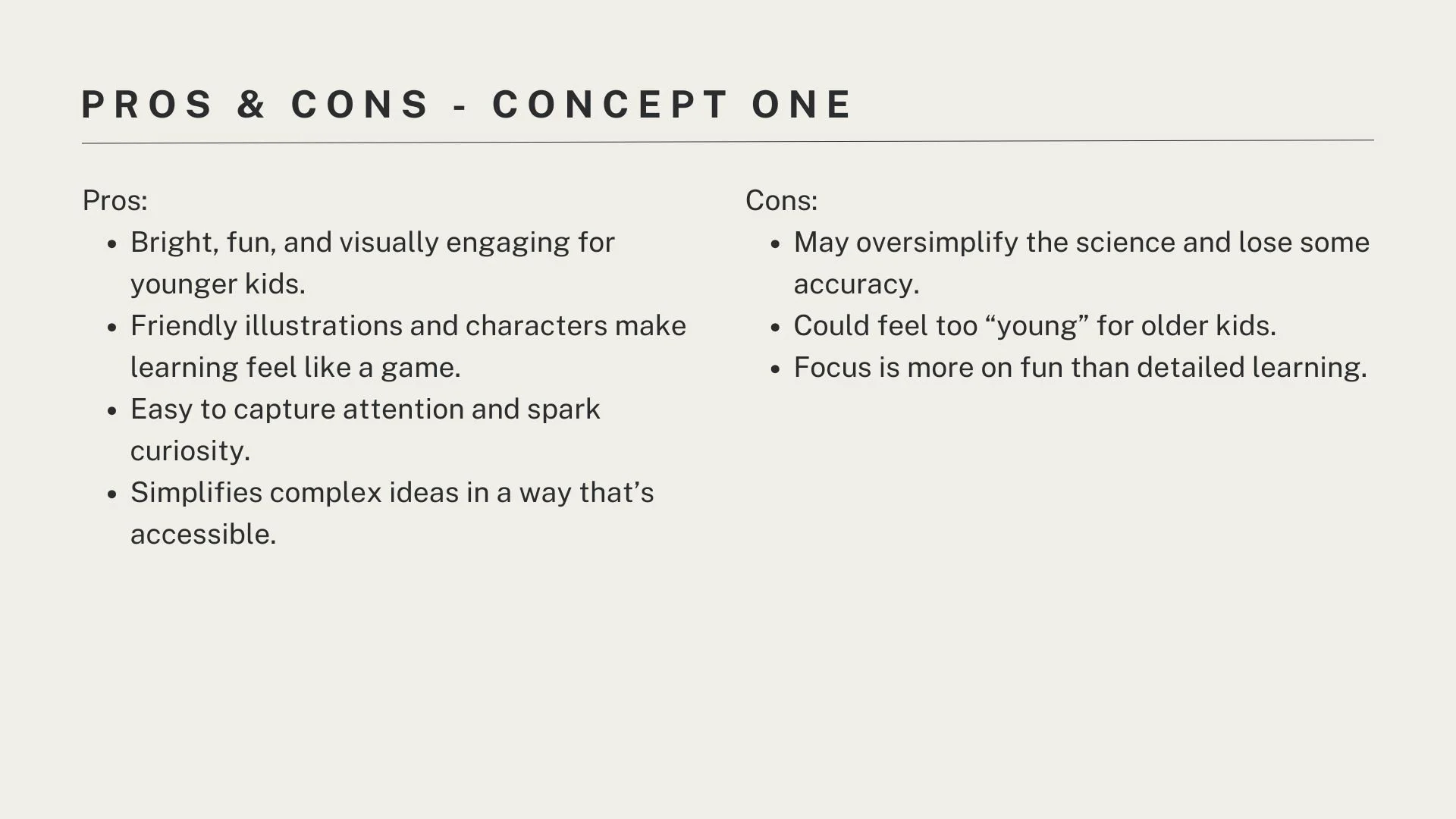
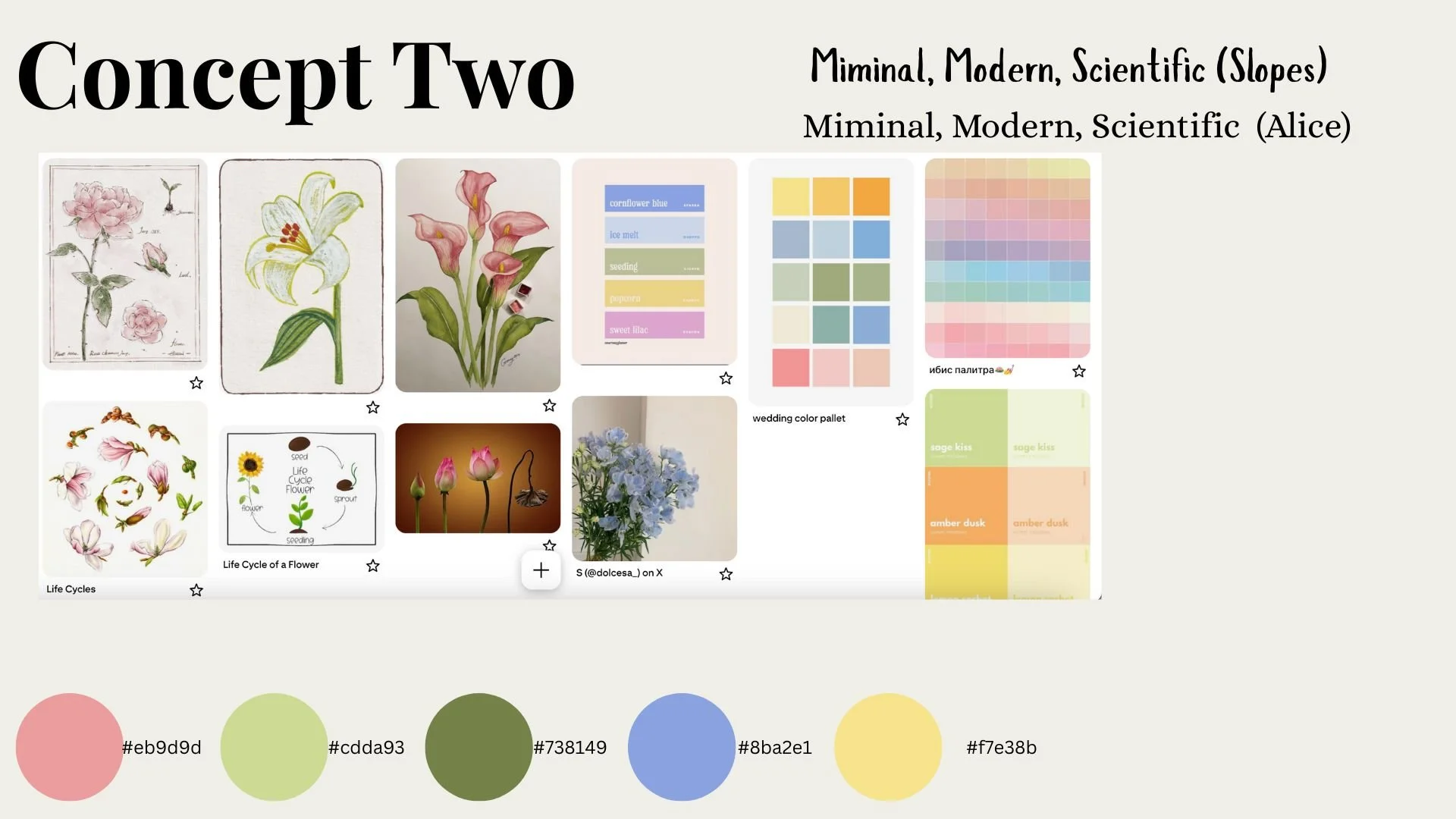
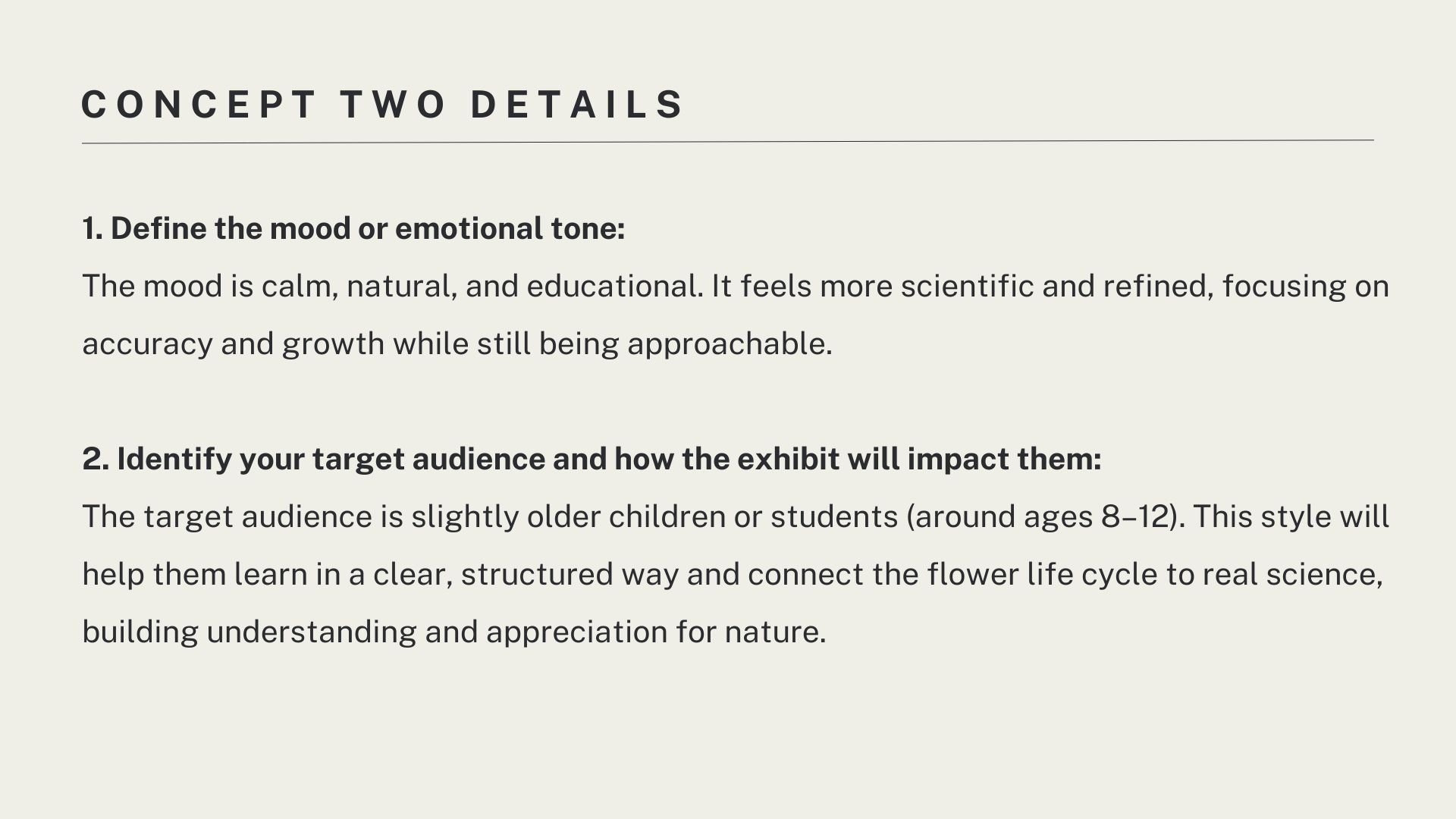
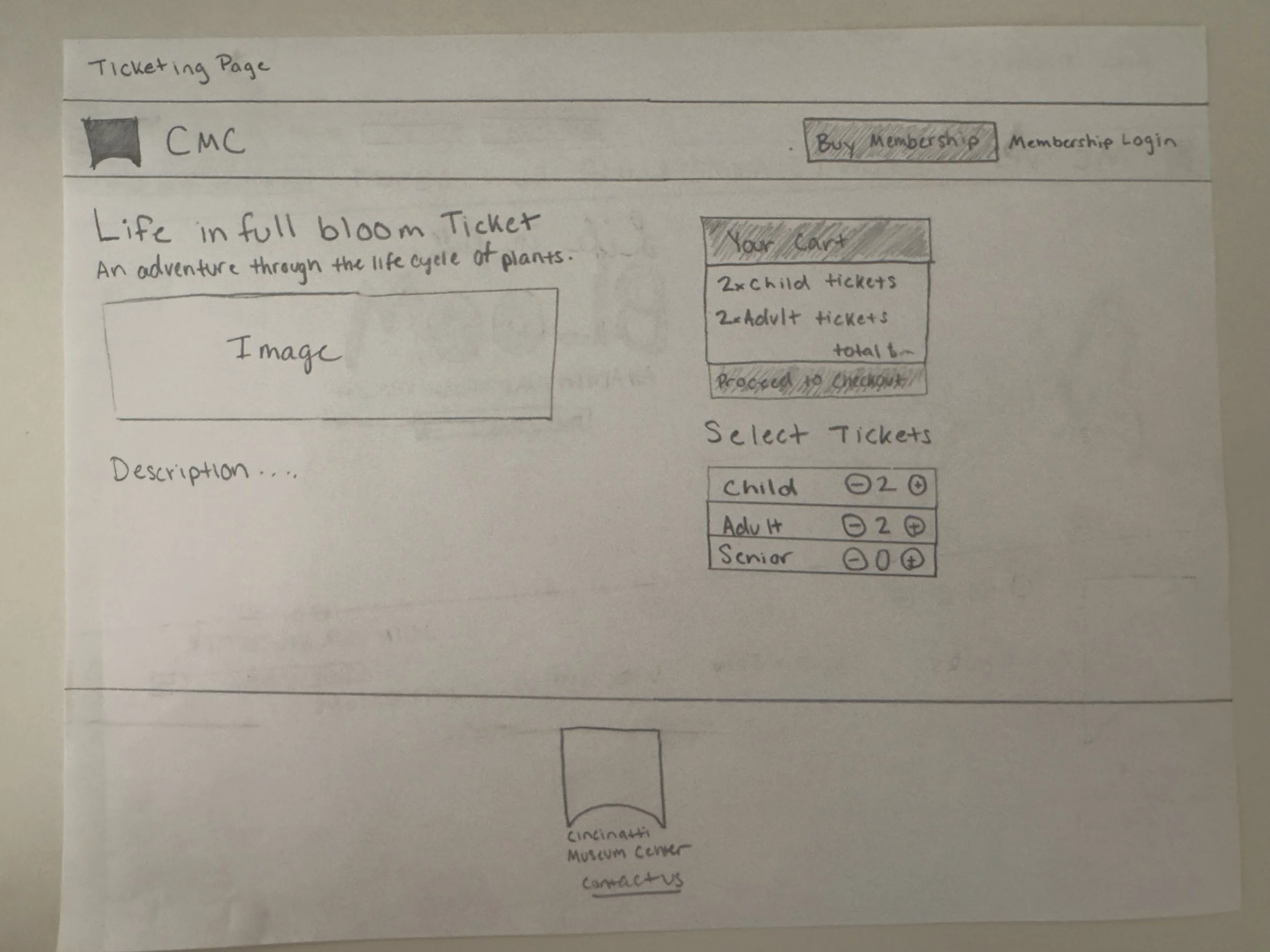
I began the design process by creating two moodboards that explored different concepts and branding directions. After selecting the first concept as the strongest fit for the exhibit’s theme, I moved into hand-drawn wireframes to outline the structure and flow of the website. These sketches were then developed into low-fidelity drafts and eventually refined into the final high-fidelity design
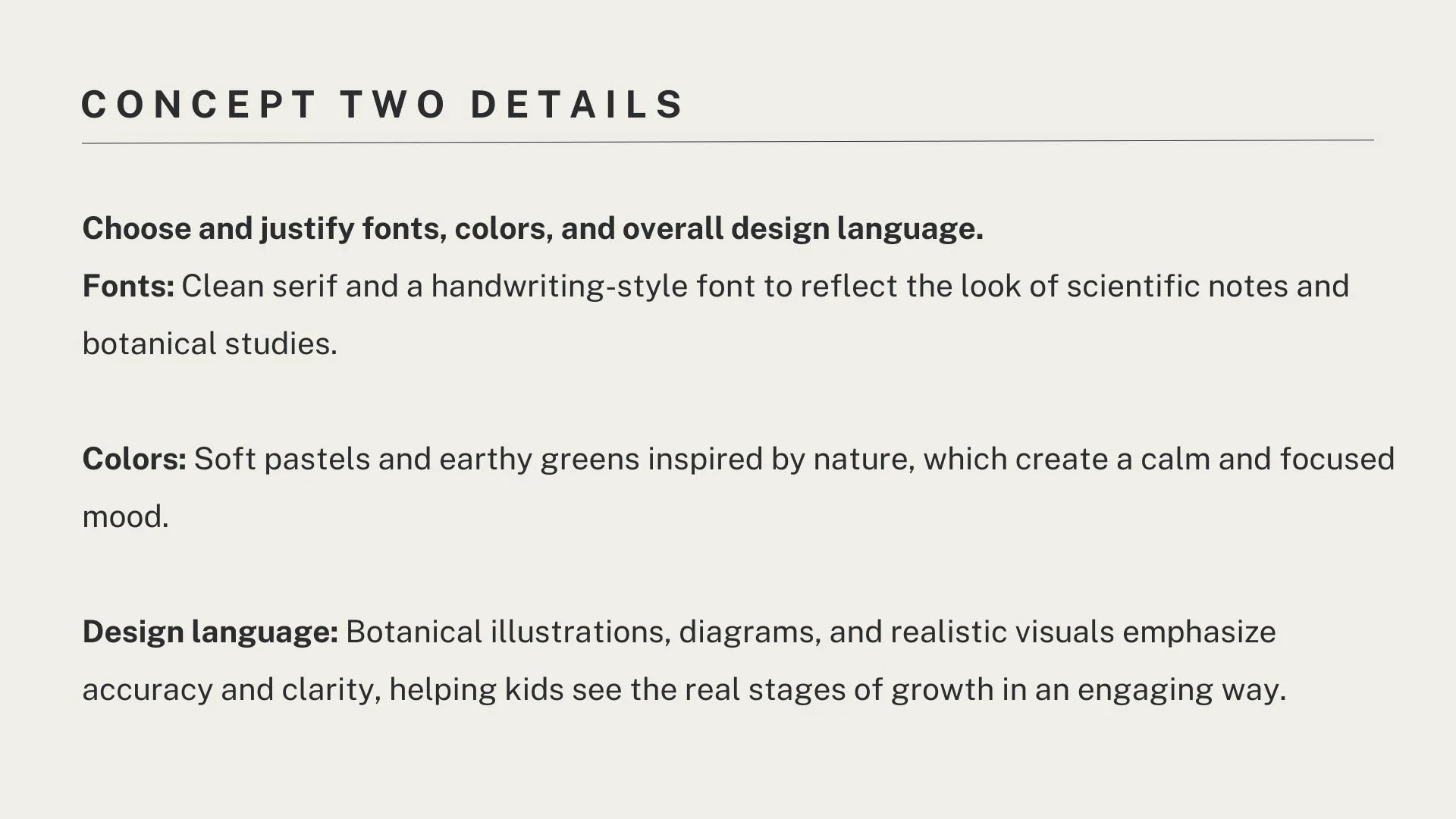
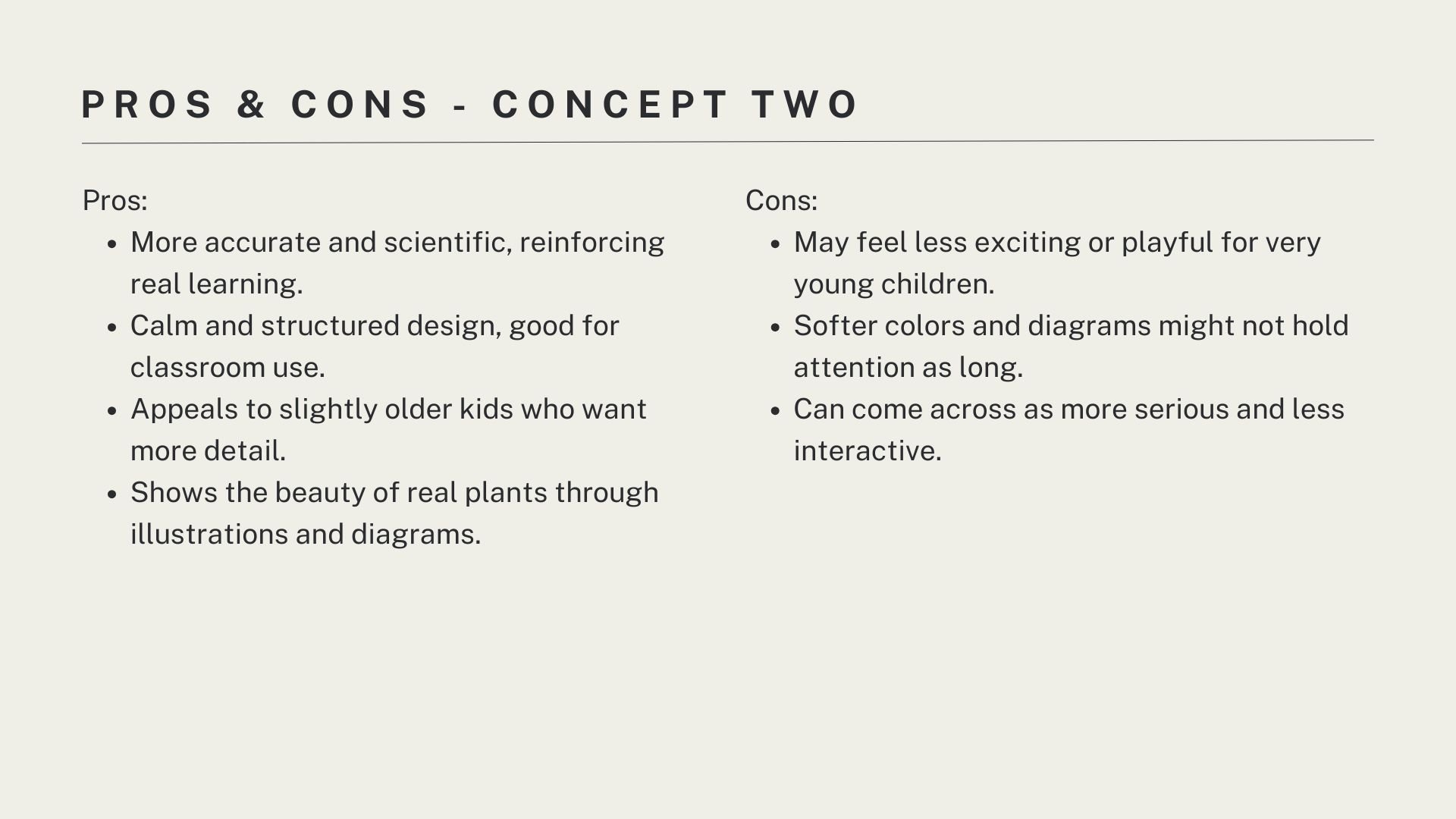
Hand Drawn Wireframe
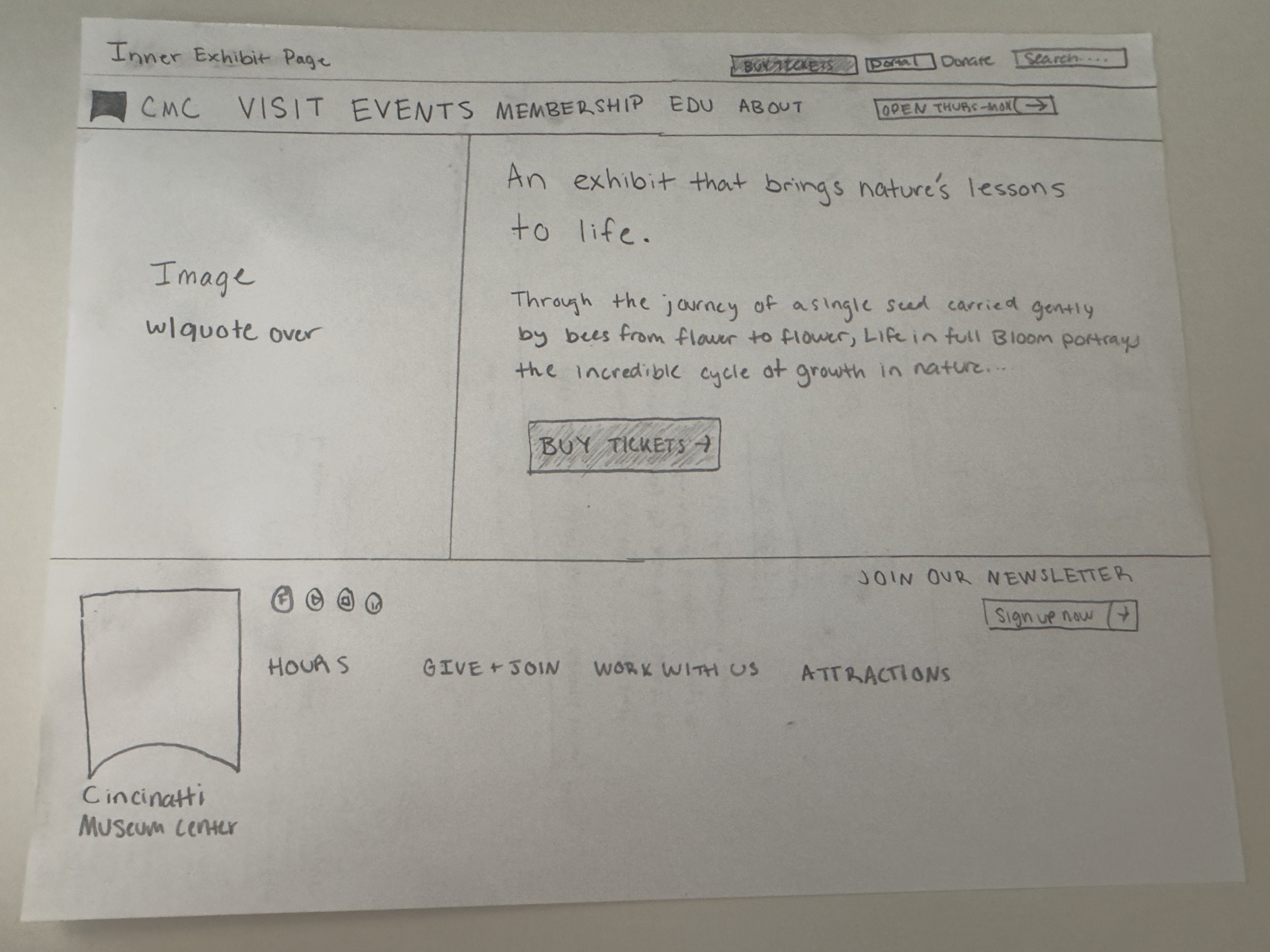
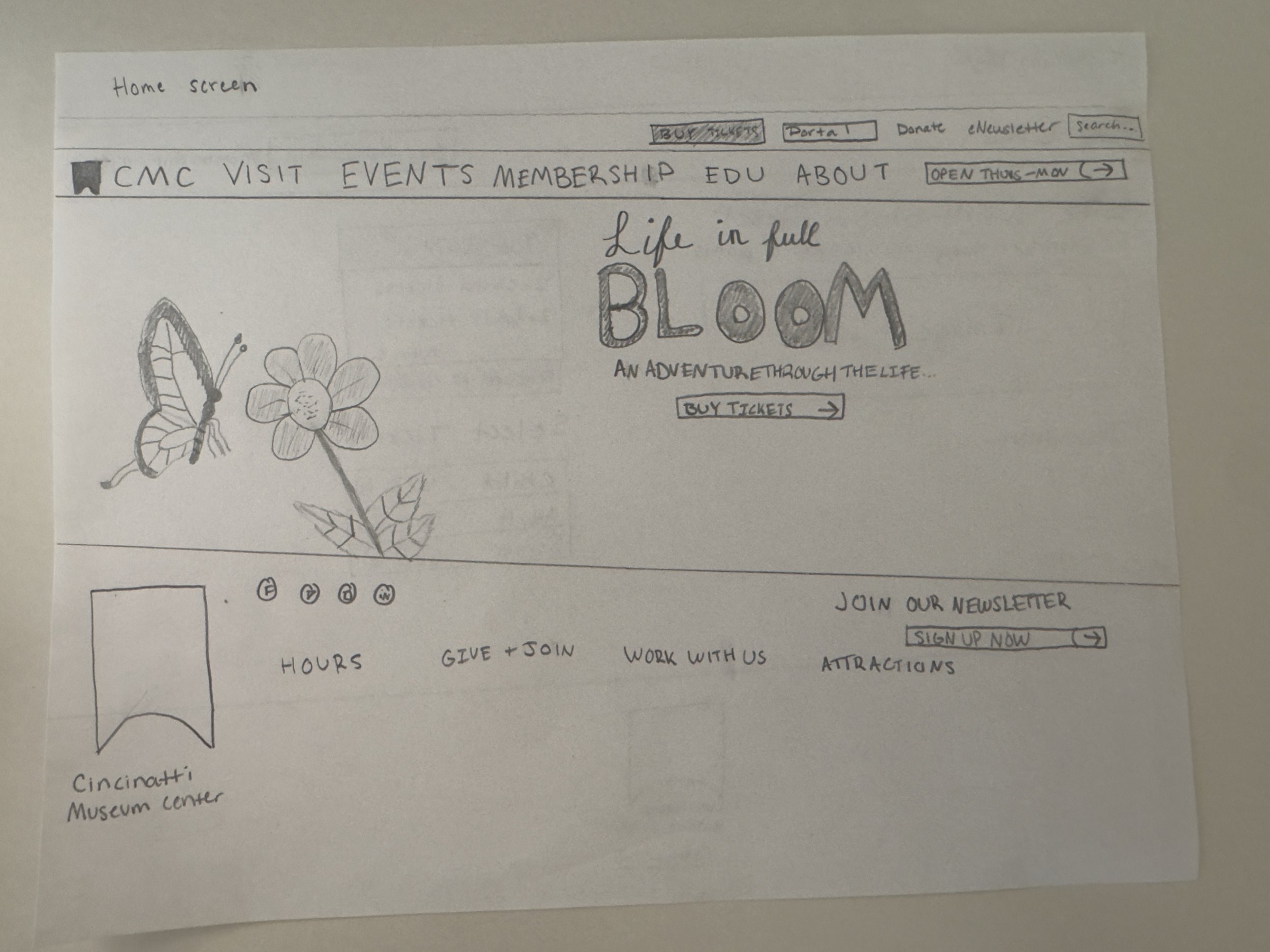
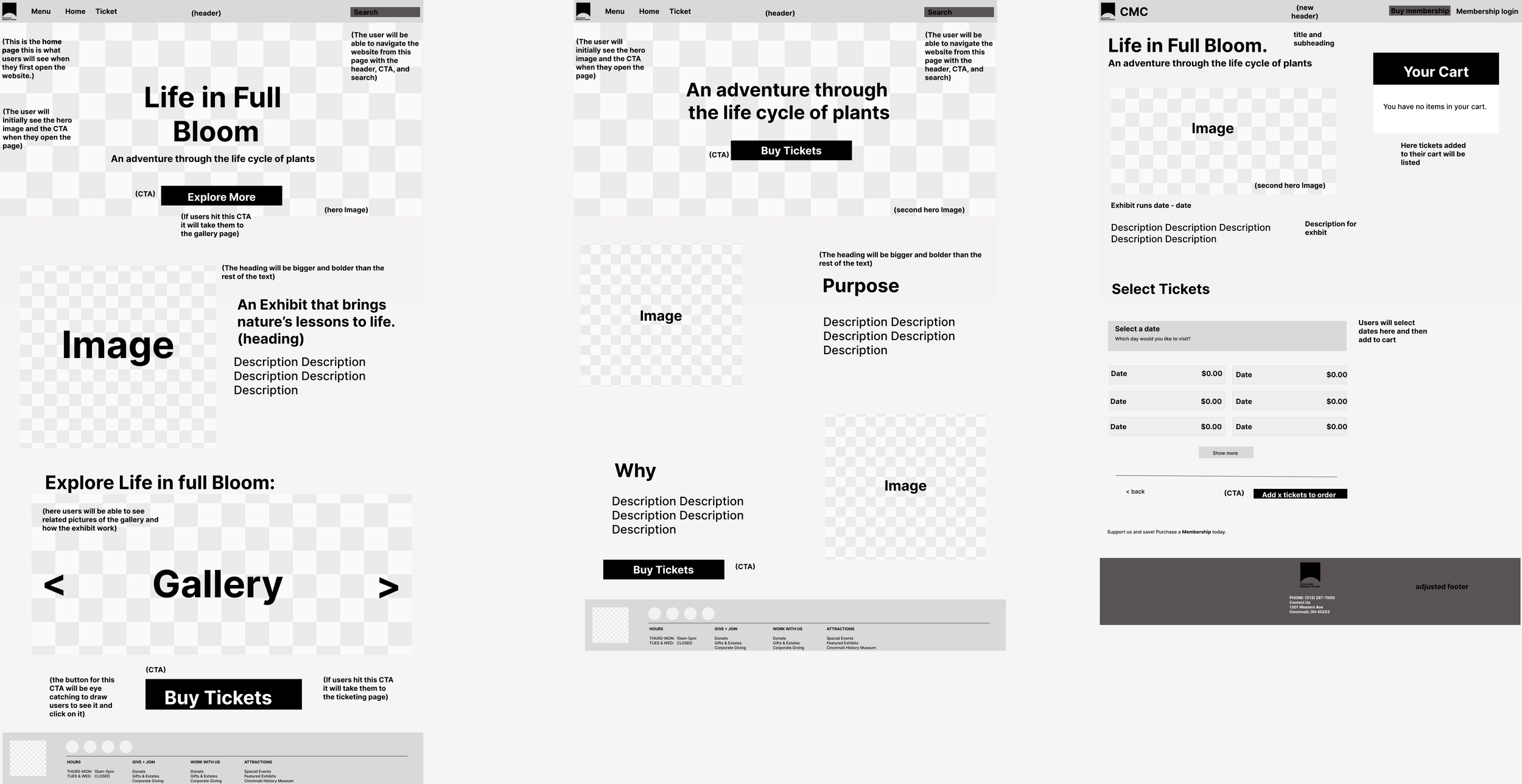
Low Fidelity
The low fidelity version focused on layout and user flow. I designed wireframes that mapped out how users would navigate through the site, including the main homepage with my hero image, info page and then the final ticketing page. This stage allowed me to test how visitors could move between sections easily and understand the progression of the flower life cycle without relying on color or detailed graphics. It helped ensure the structure was clear and the learning goals were supported before adding design elements.
Life in Full Bloom
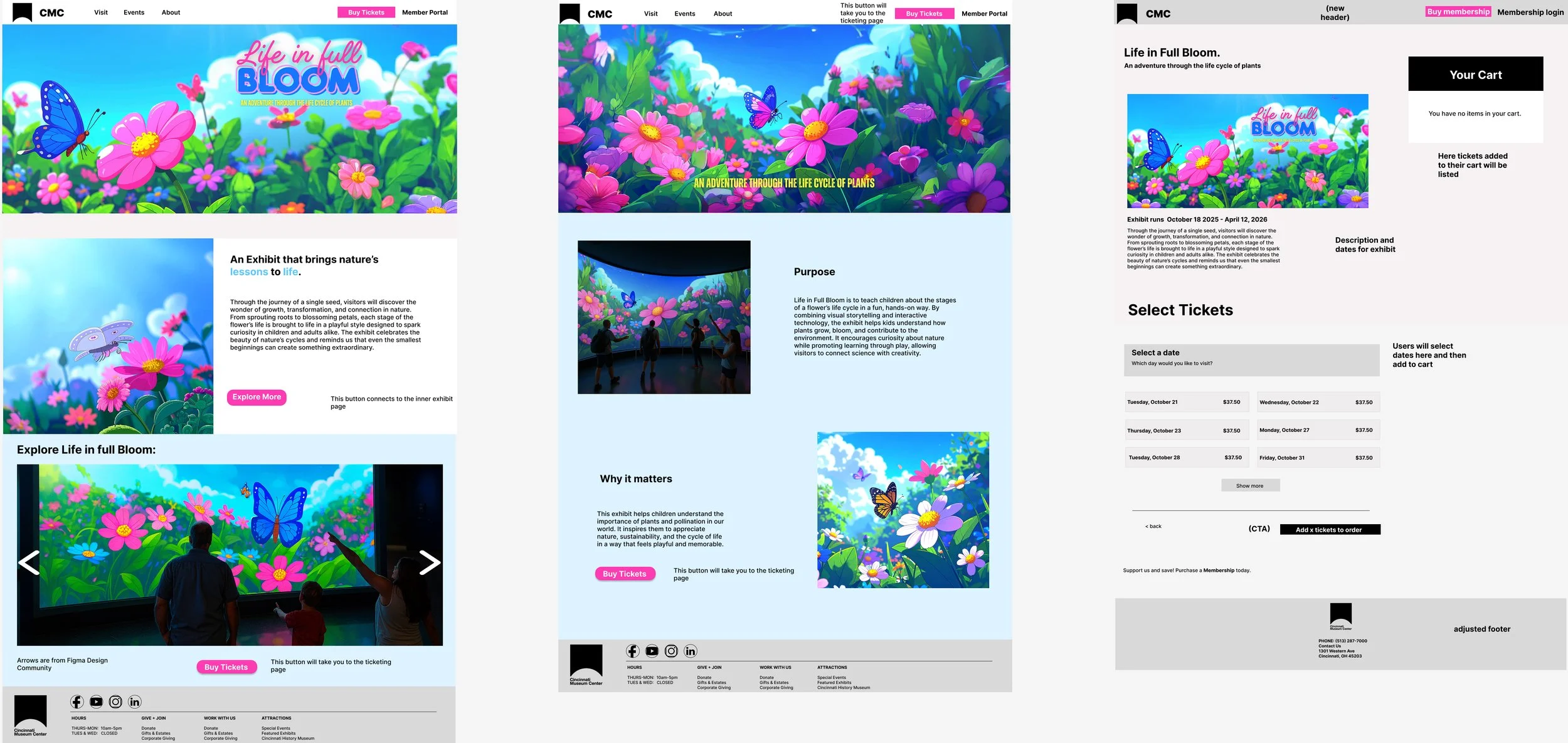
High Fidelity
In the high fidelity version, I refined the visuals and interactions in Figma to bring the experience to life. I used a bright nature-inspired color palette, soft rounded shapes, and large interactive buttons that felt inviting to younger audiences. I created and refined every image in Adobe Firefly. I also focused on accessibility by using clear text and consistent visual hierarchy, making it easy for children and families to explore together.
Creating Life in Full Bloom taught me how to design an educational experience that combines interaction, storytelling, and visual design. It strengthened my skills in user experience and interface design while helping me understand how technology can enhance museum learning. This project represents my interest in creating meaningful digital experiences that connect education with creativity.
Life in Full Bloom
Final Website Prototype
Life in Full Bloom:
App
The Life in Full Bloom App expands the museum exhibit into an interactive digital experience that encourages children to explore and learn about flowers in a fun and engaging way. Through the app, visitors can scan flowers from the exhibit to unlock educational facts, watch animations of each flower’s life cycle, and save their discoveries in a personal digital garden. The goal is to extend learning beyond the physical exhibit by combining technology with curiosity and play. This project focuses on creating a user experience that feels natural and rewarding while promoting hands-on education through exploration and collection.
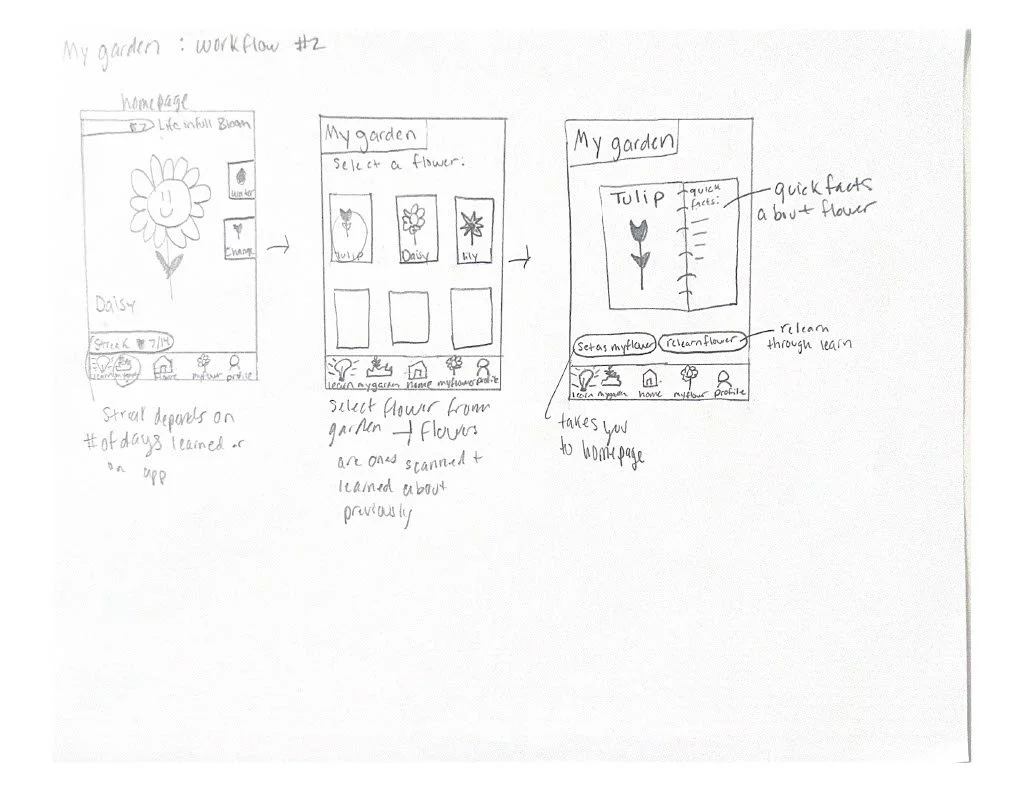
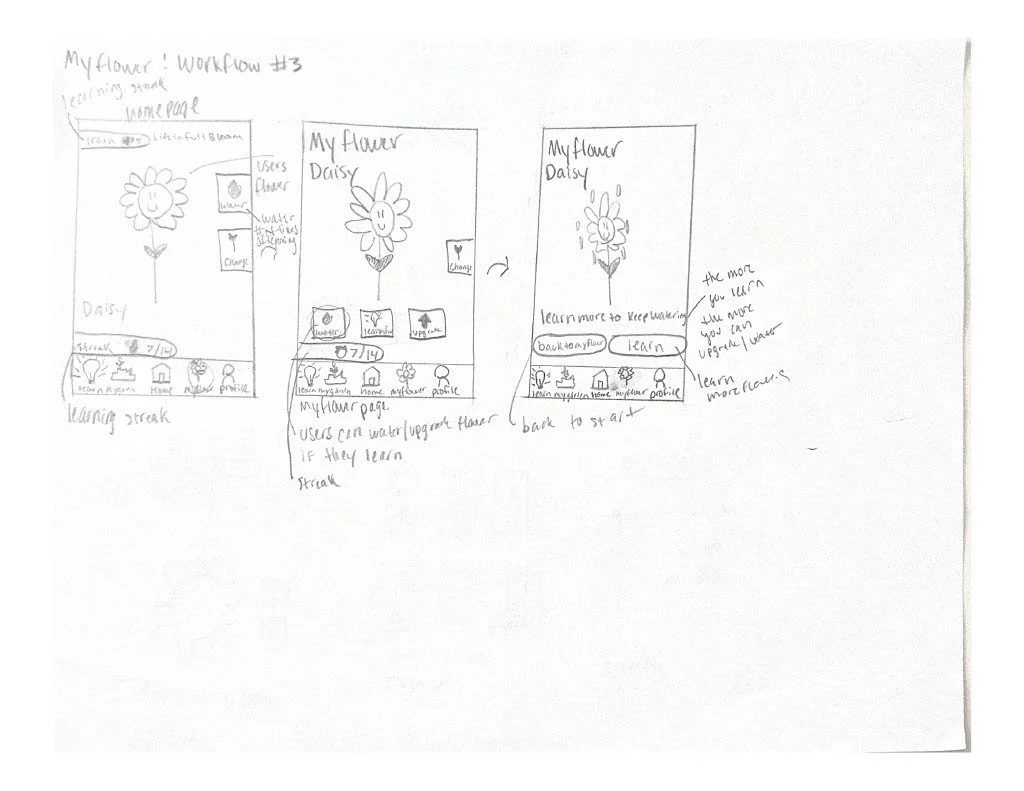
I began the app design process with hand-drawn wireframes based on the initial concept in my head. These early sketches served as the foundation for the layout and interaction flow, and you can see how they gradually evolved into the final iteration of the design.
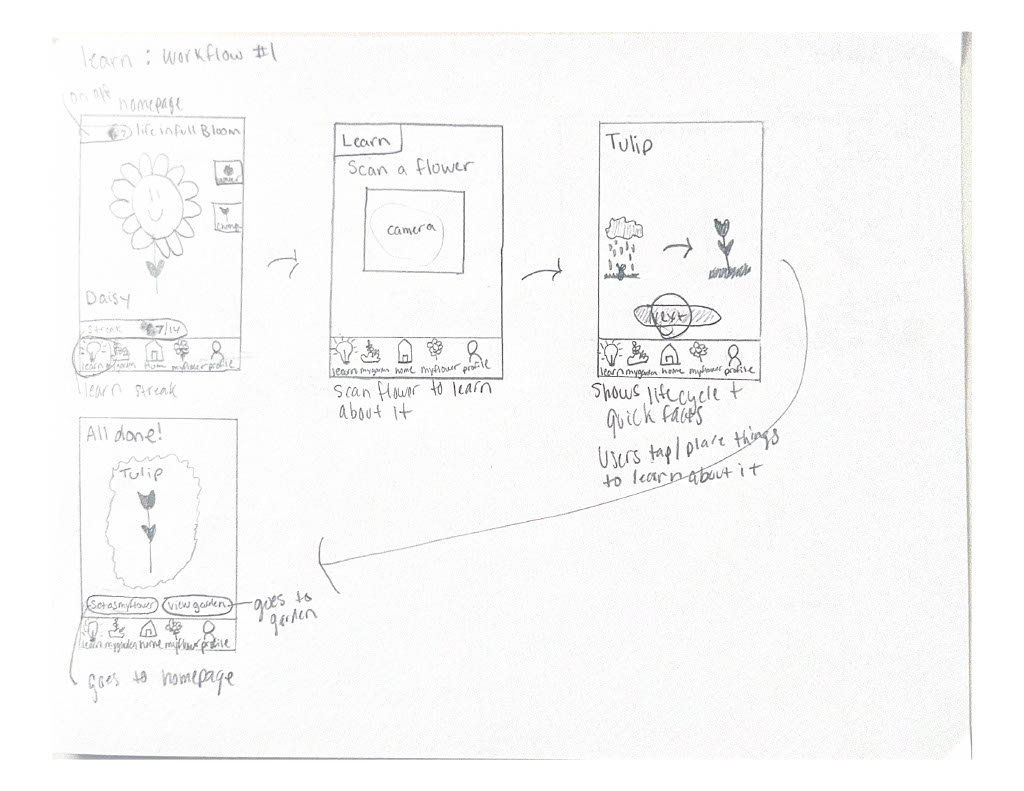
Low Fidelity
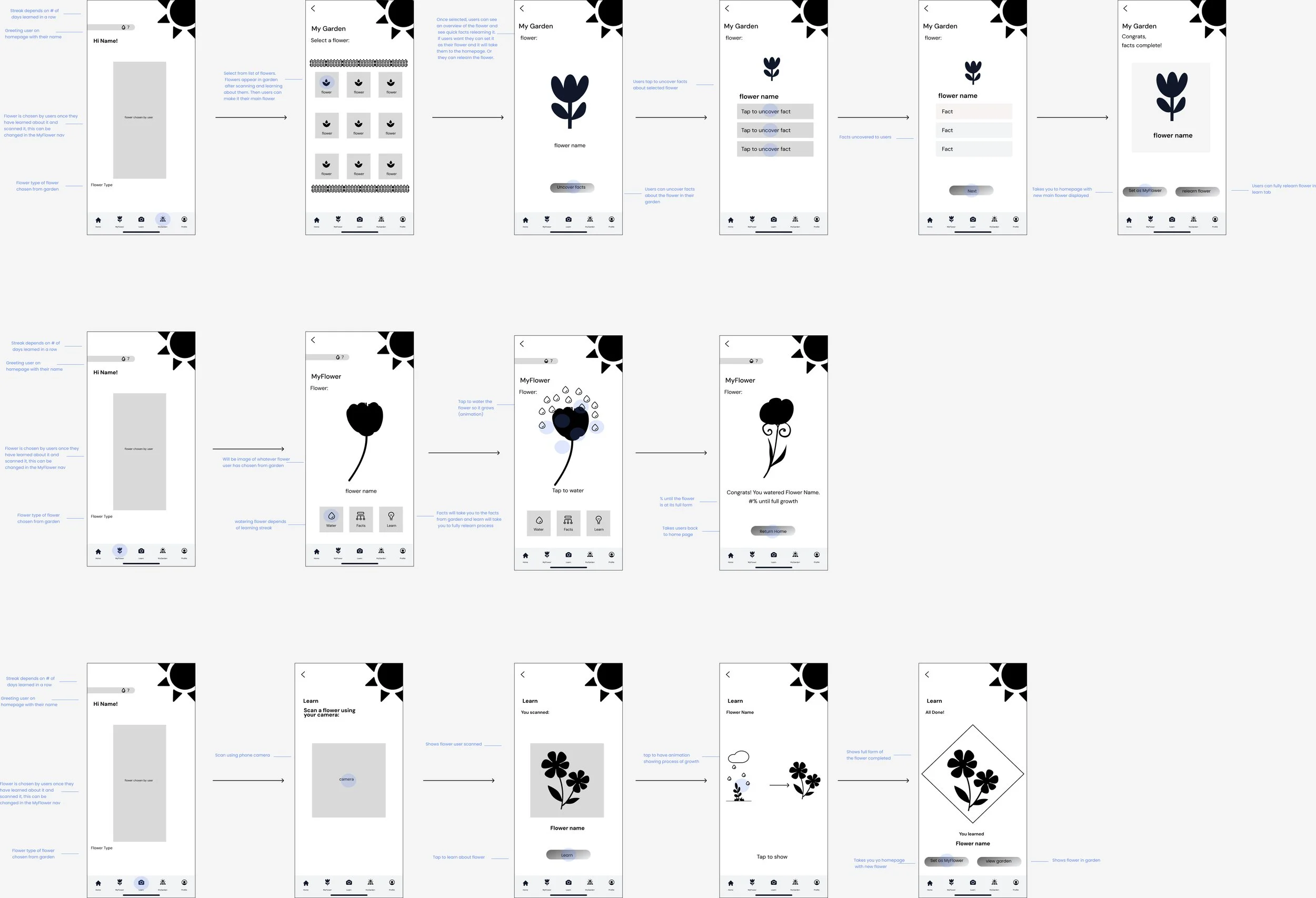
The low-fidelity version focused on mapping out the app’s core structure and user flow. I created simple wireframes to visualize how children would scan flowers, view information, and save them to their digital garden. This stage helped me plan navigation, layout, and interaction patterns before adding color or visuals, ensuring the app would be easy for kids to explore and understand.
High Fidelity
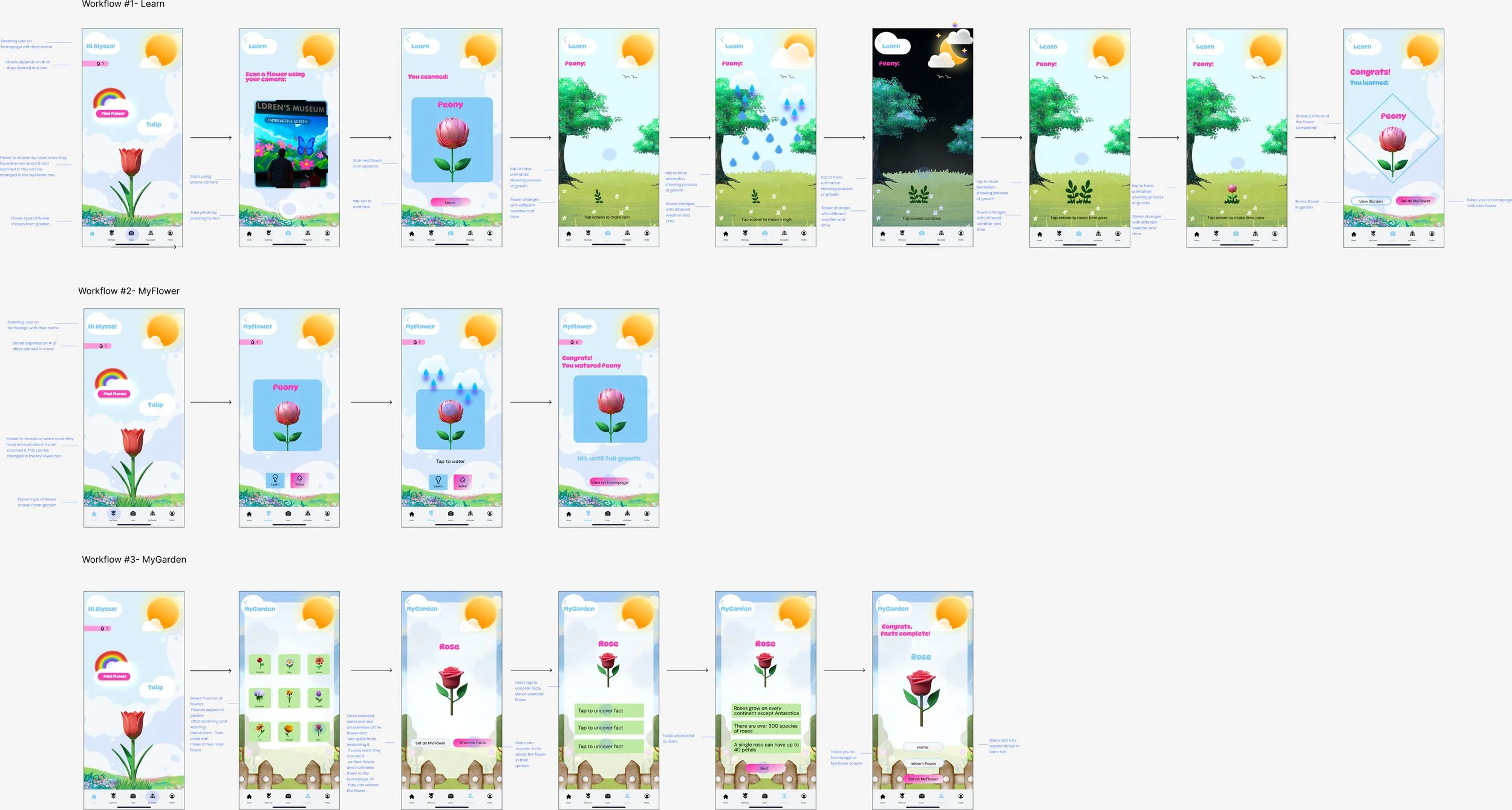
The high-fidelity version transformed the wireframes into a fully designed interactive experience that captures the playful and educational spirit of the Life in Full Bloom exhibit. In this stage, I added vibrant colors, friendly icons, and soft visual textures inspired by nature to make the app feel warm and inviting. Each screen was refined in Figma to ensure a smooth and intuitive user journey as children scan flowers, learn about them, and save their discoveries to their digital garden. This stage highlighted how thoughtful visuals, clear navigation, and engaging animations can make learning feel fun and meaningful.
Developing the Life in Full Bloom App taught me how to extend an in-person exhibit into an interactive digital experience that encourages exploration and curiosity. It strengthened my skills in app design, prototyping, and creating engaging learning experiences for younger audiences. Through this project, I learned how mobile technology can make museum content more accessible and personal by allowing users to continue learning beyond the exhibit. This app reflects my passion for blending creativity, education, and technology to make learning feel playful and meaningful.
Final App Prototype
Life in Full Bloom:
Photoshop mockups
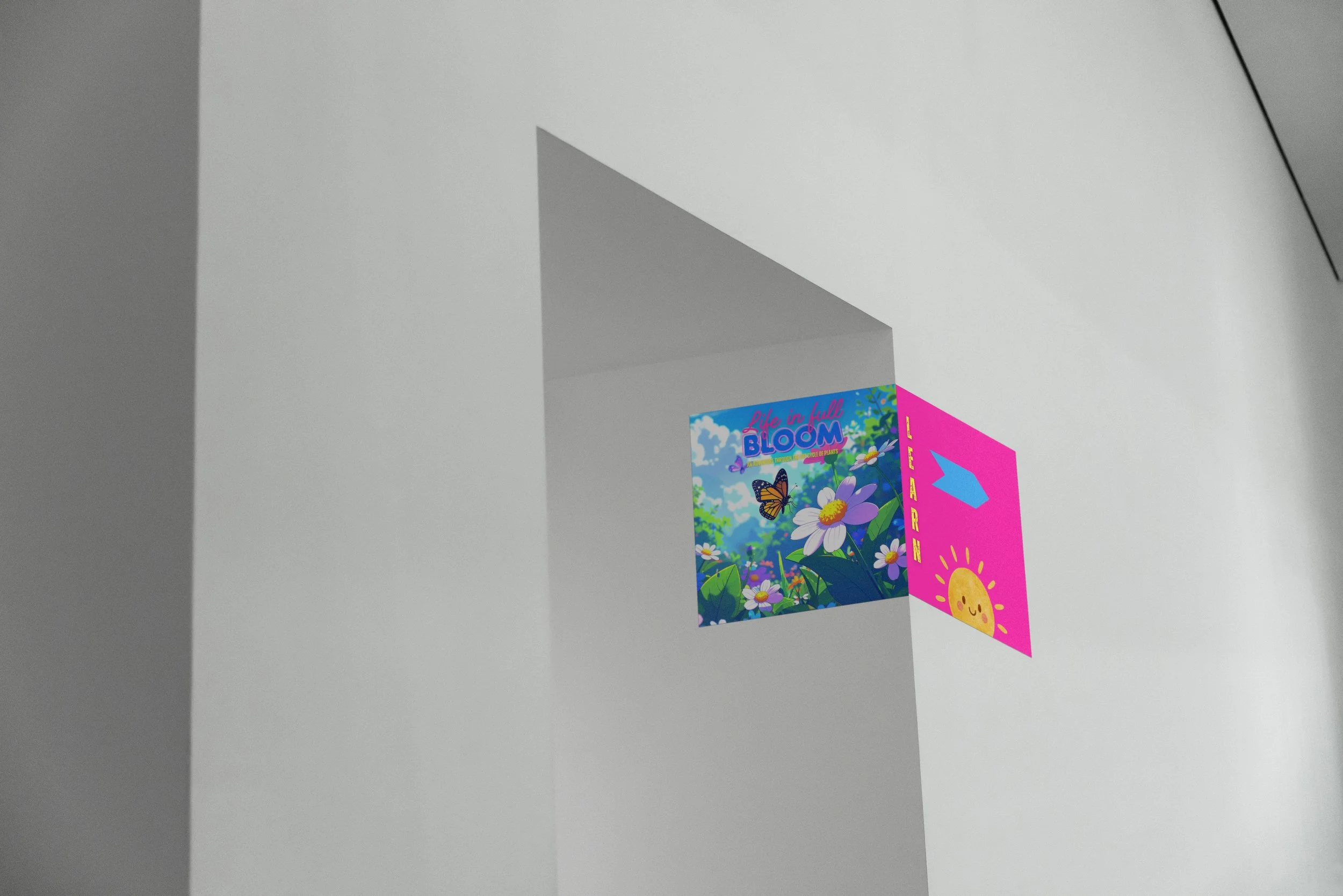
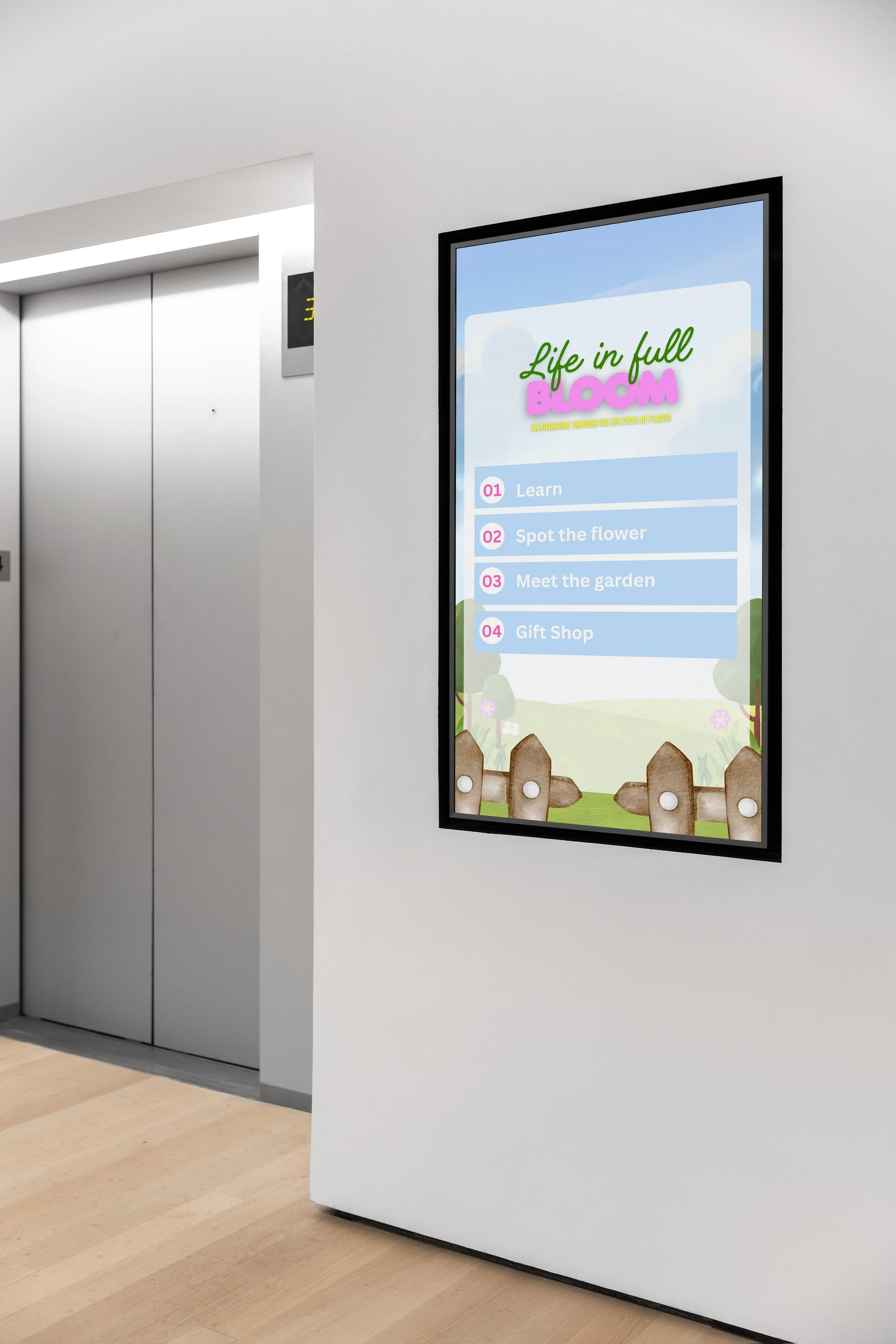
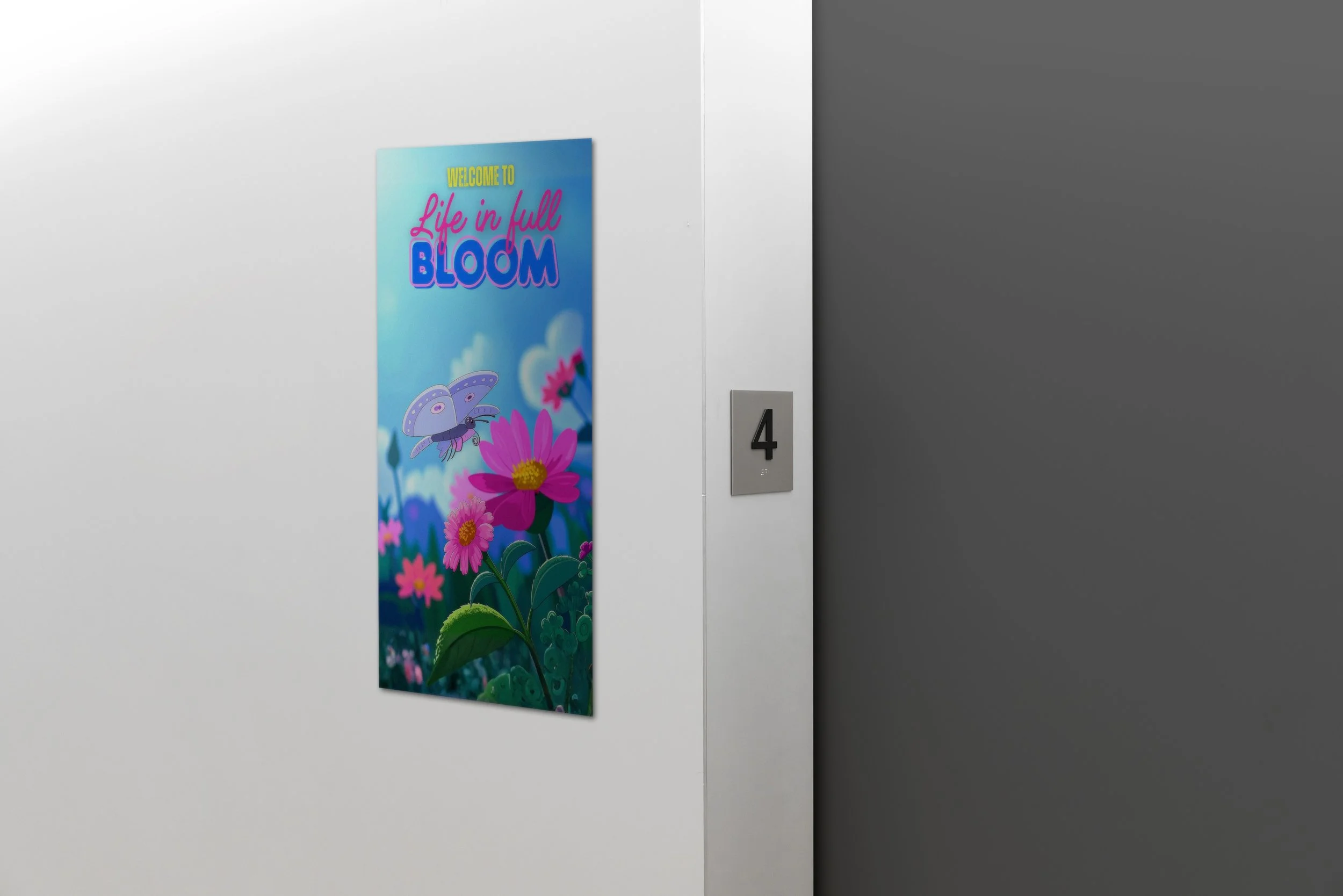
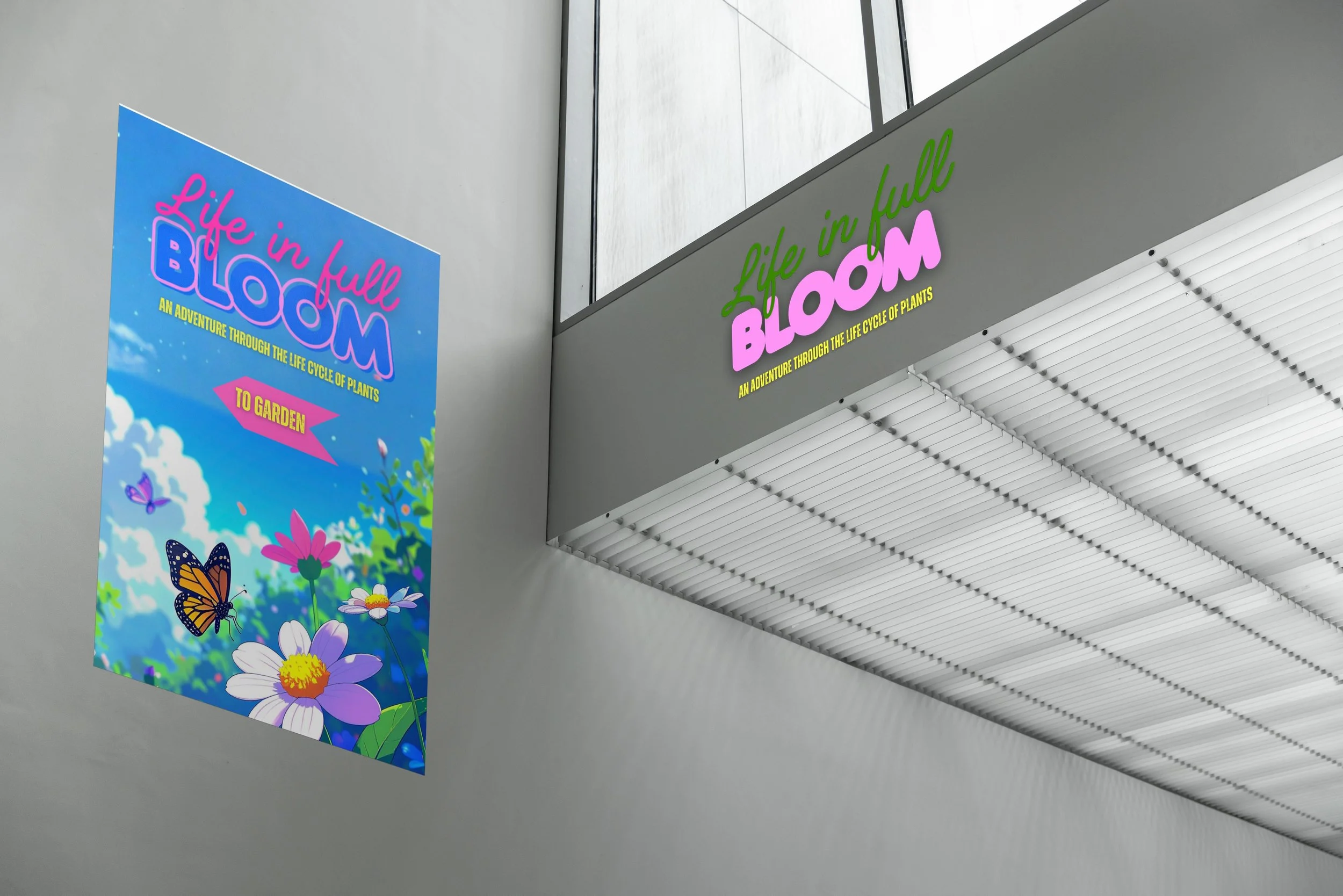
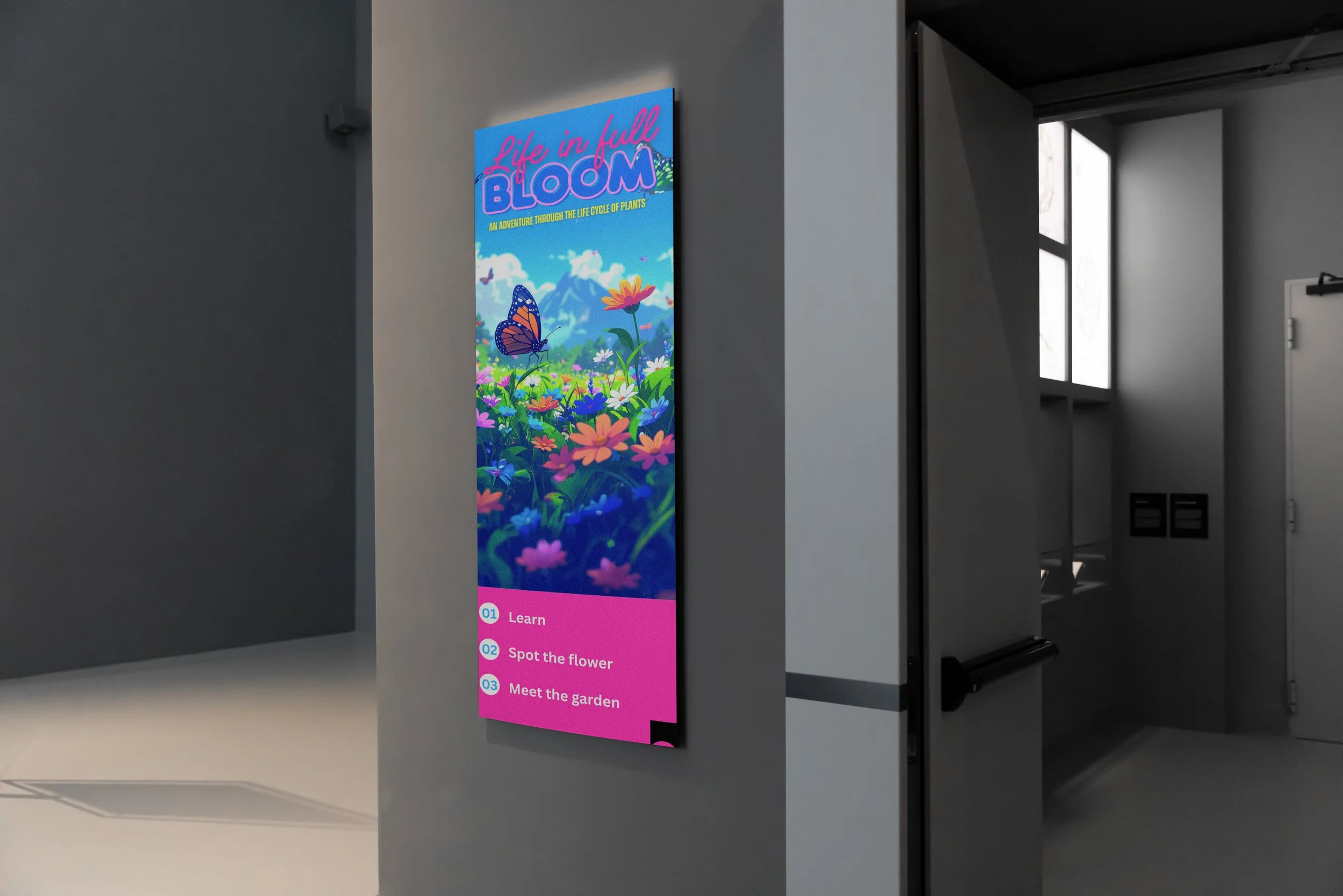
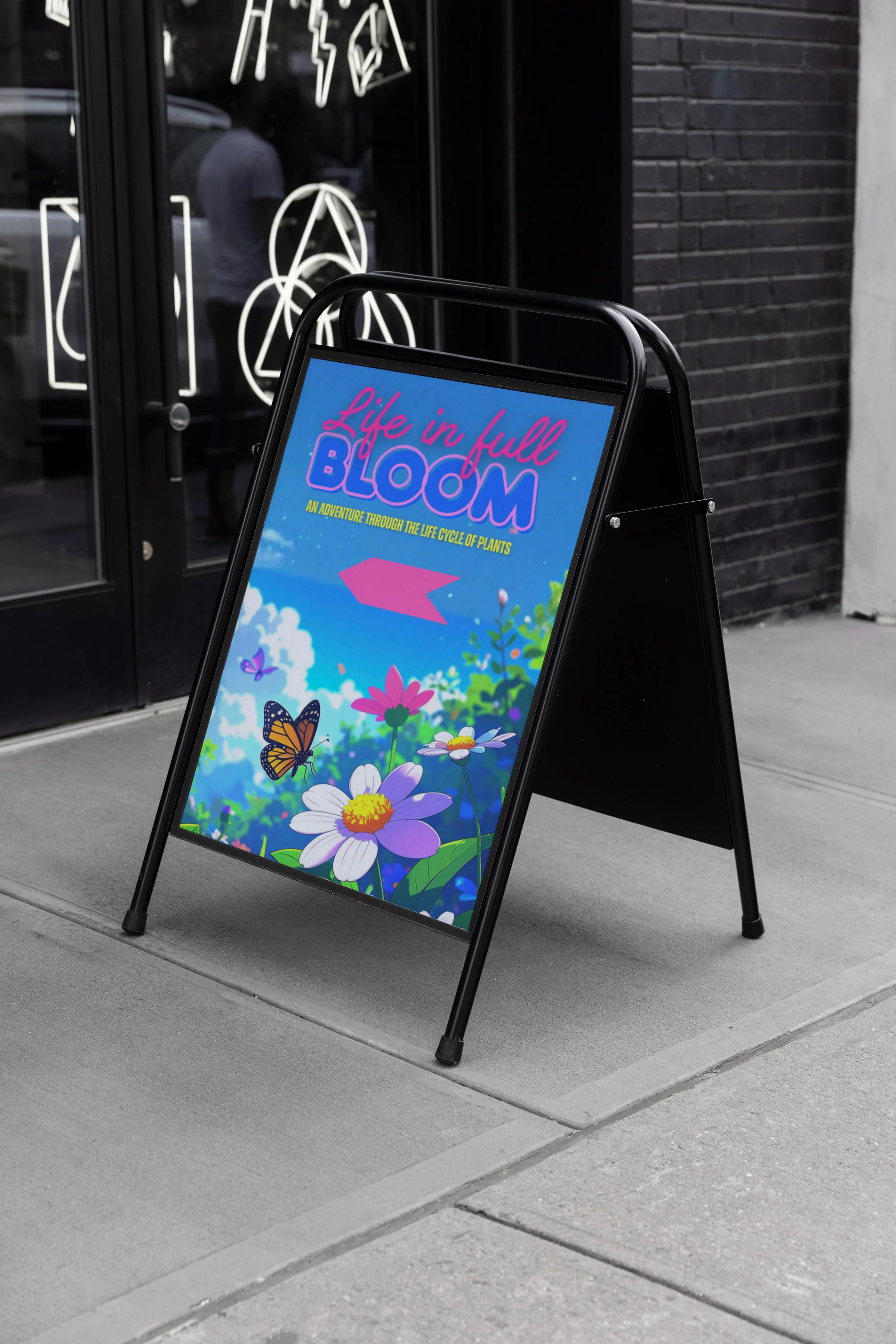
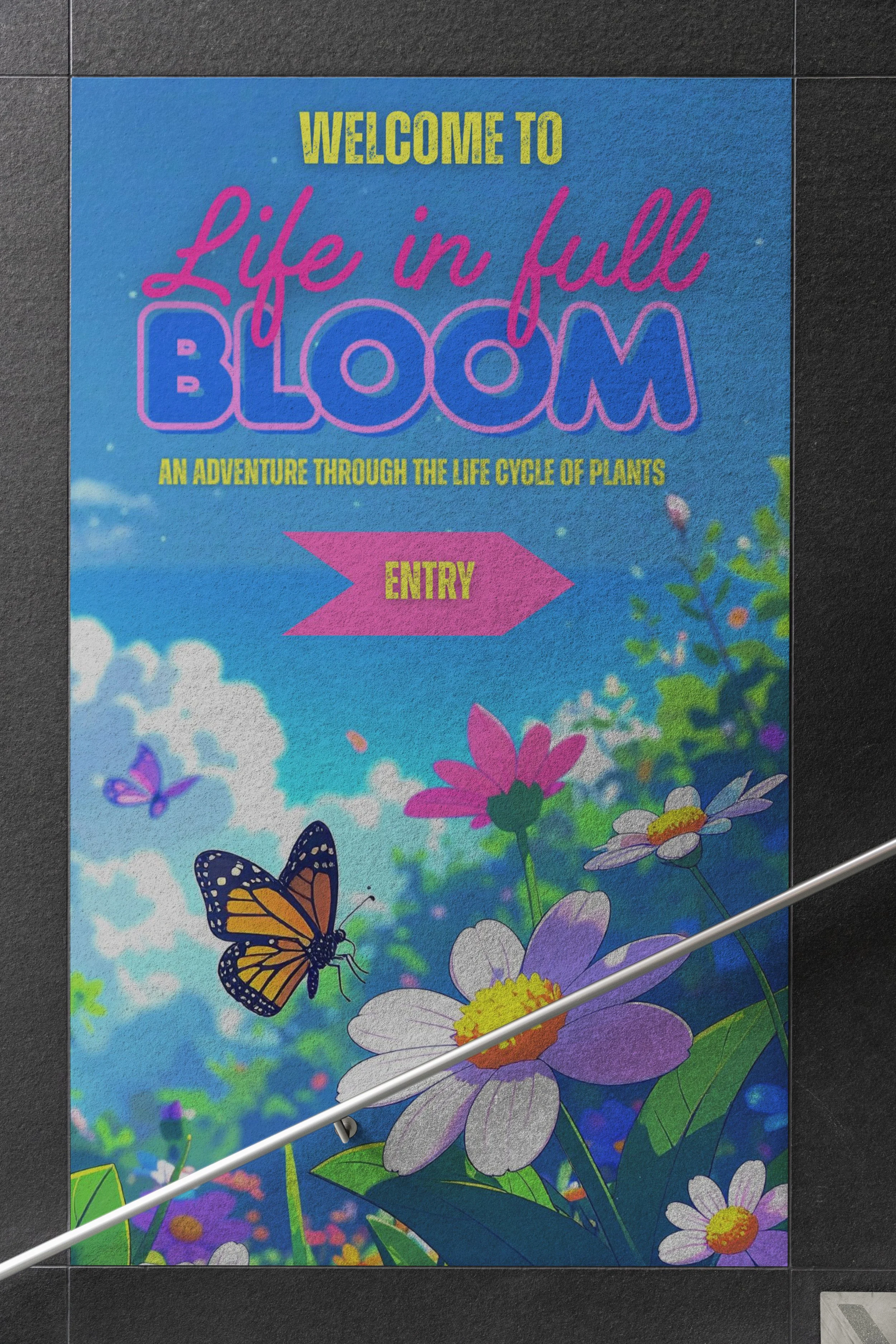
These Photoshop mockups bring the Life in Full Bloom museum exhibit to life by visualizing how the digital and physical elements work together in the space. The mockups show the layout of the interactive screens, the placement of signage, and how children would engage with each stage of the flower life cycle. They highlight the bright, playful visual identity developed for the project and demonstrate how the exhibit’s educational content, animations, and touch-based interactions would appear in a real museum environment. Overall, these mockups help communicate the intended atmosphere, user flow, and interactive experience of the exhibit before physical production.
Life in Full Bloom:
Programs used



Figma Design for beginners tutorial
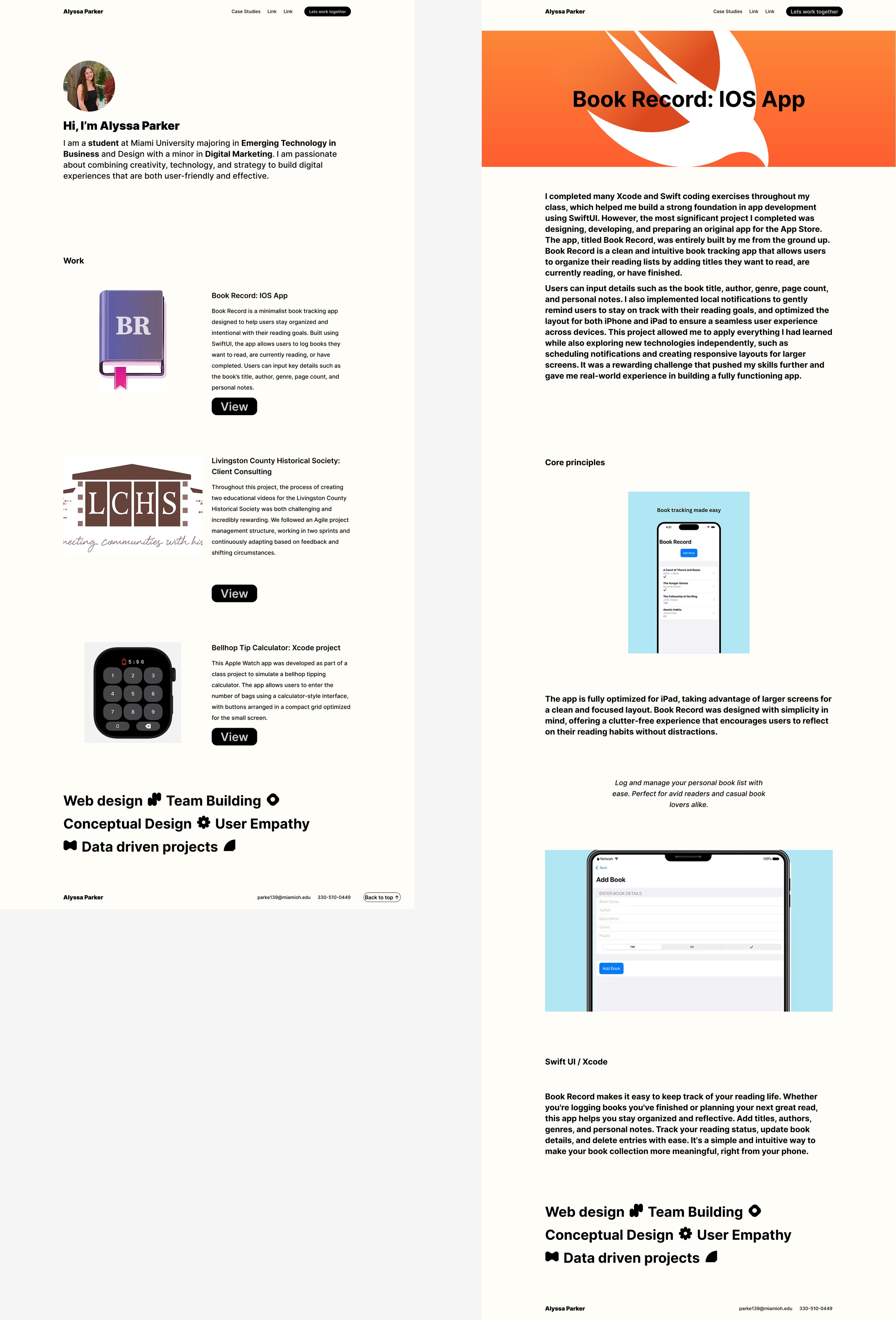
The Figma Design for Beginners Tutorial introduced me to the fundamentals of visual design and interactive layout creation. Through guided lessons and hands-on practice, I learned how to use Figma to organize design files, apply grids, and build consistent color and text styles. I explored how to use frames, components, and alignment tools to create structure while learning how design principles such as balance, spacing, and hierarchy affect the user experience.
The final product was a personal portfolio website that showcases my work in a clean and user-friendly layout. I designed the pages to reflect both professionalism and creativity, focusing on accessibility and visual flow. This project helped me gain confidence using Figma as a complete design tool and strengthened my understanding of how thoughtful digital design can clearly communicate personality, purpose, and visual storytelling.