Keyboard sounds throughout Oxford Ohio
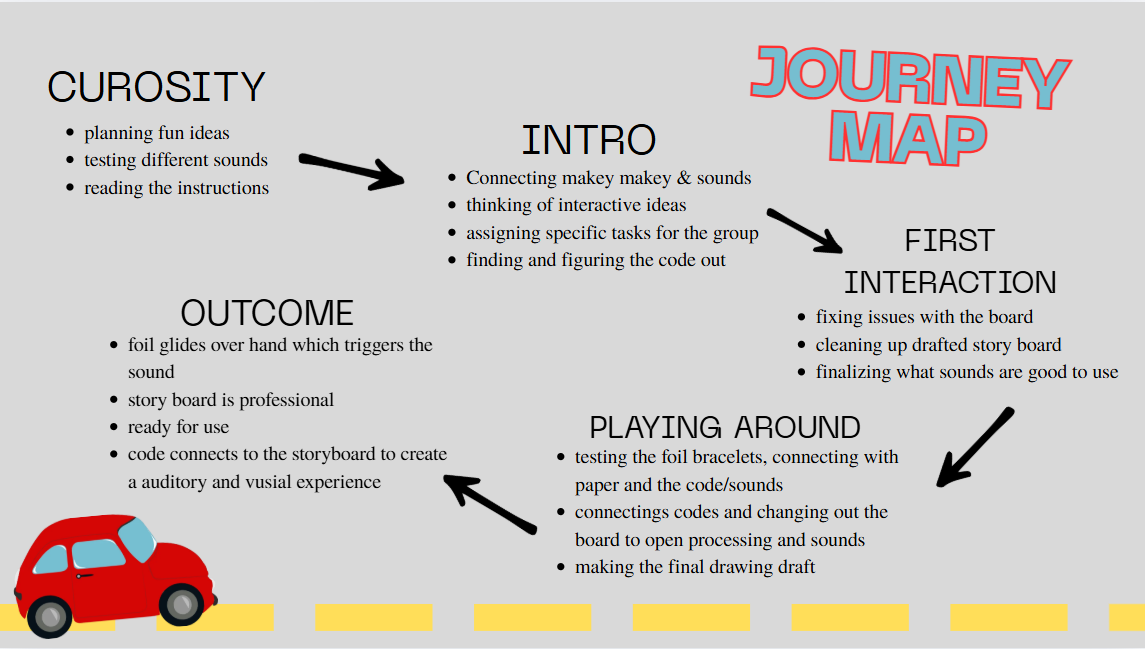
For this project, my team and I had to develop a table-based activity that would motivate reaching tasks from a seated position using the Makey Makey board and creative coding. We first began by brainstorming what we wanted the theme of the project to be and how we could make it interactive. After many discussions and idea sharing, we all agreed on creating a racetrack or roadway that the user’s hand would follow. As they traced the road correctly, the Makey Makey board would trigger sounds that matched the elements designed on the track, adding a fun and engaging layer to the activity. What stood out to me during this stage was how much the theme shaped the overall experience. Once we pictured the roadway idea, I could immediately see how the activity could be more than just a therapy tool, it could also feel like a game.
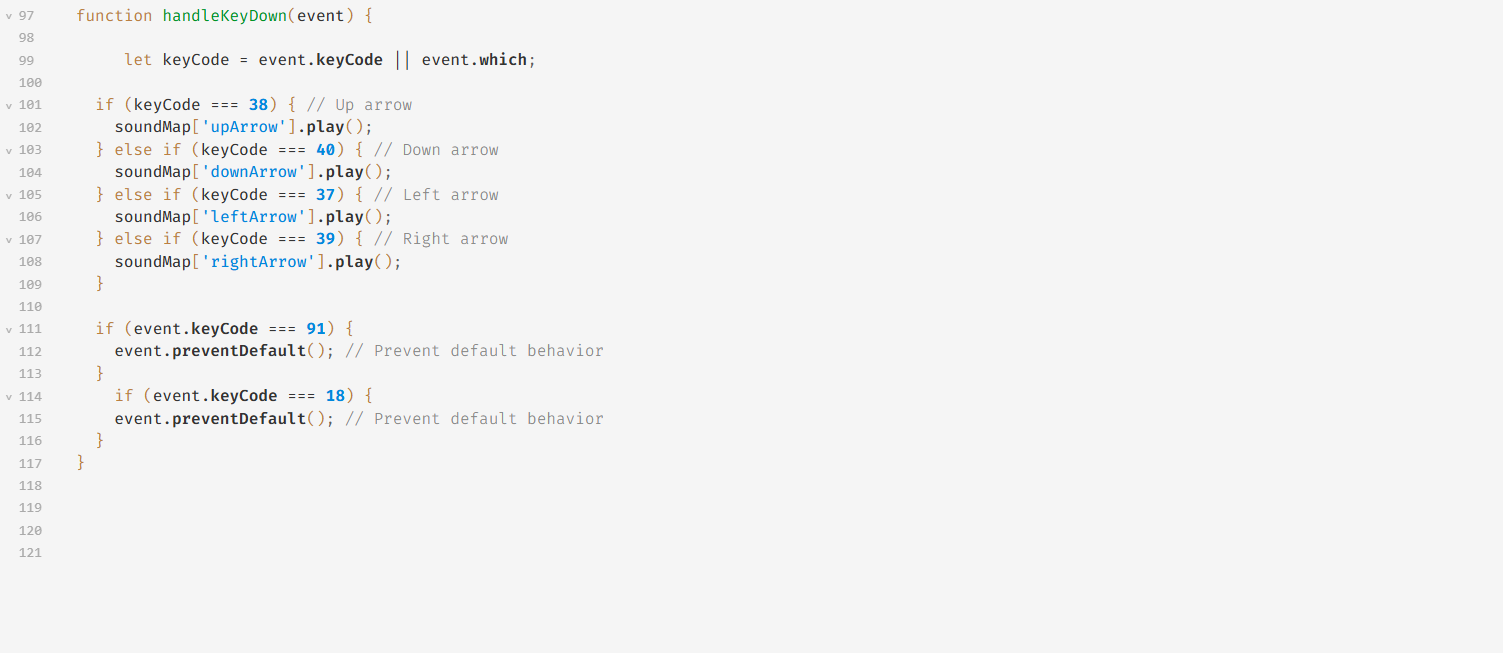
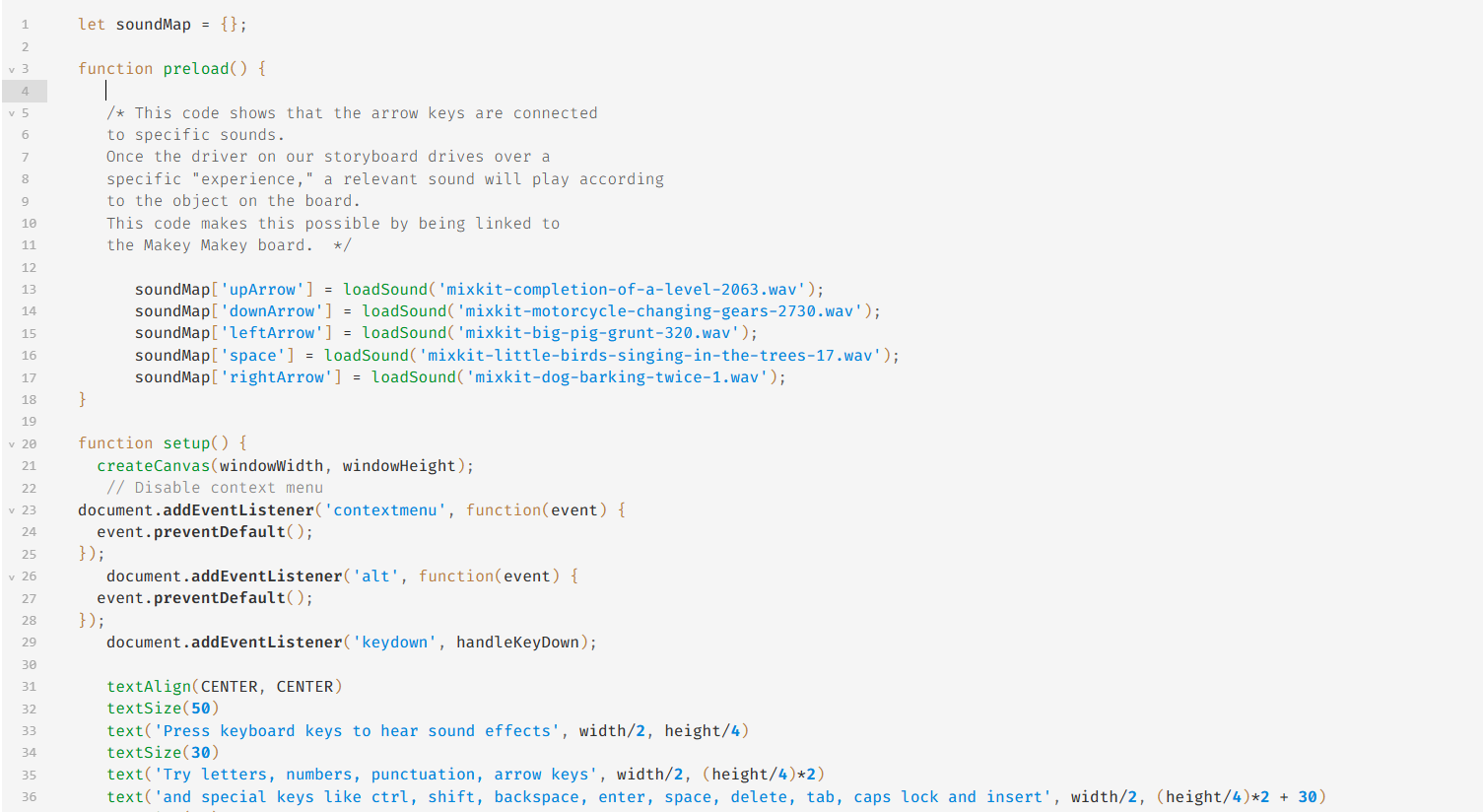
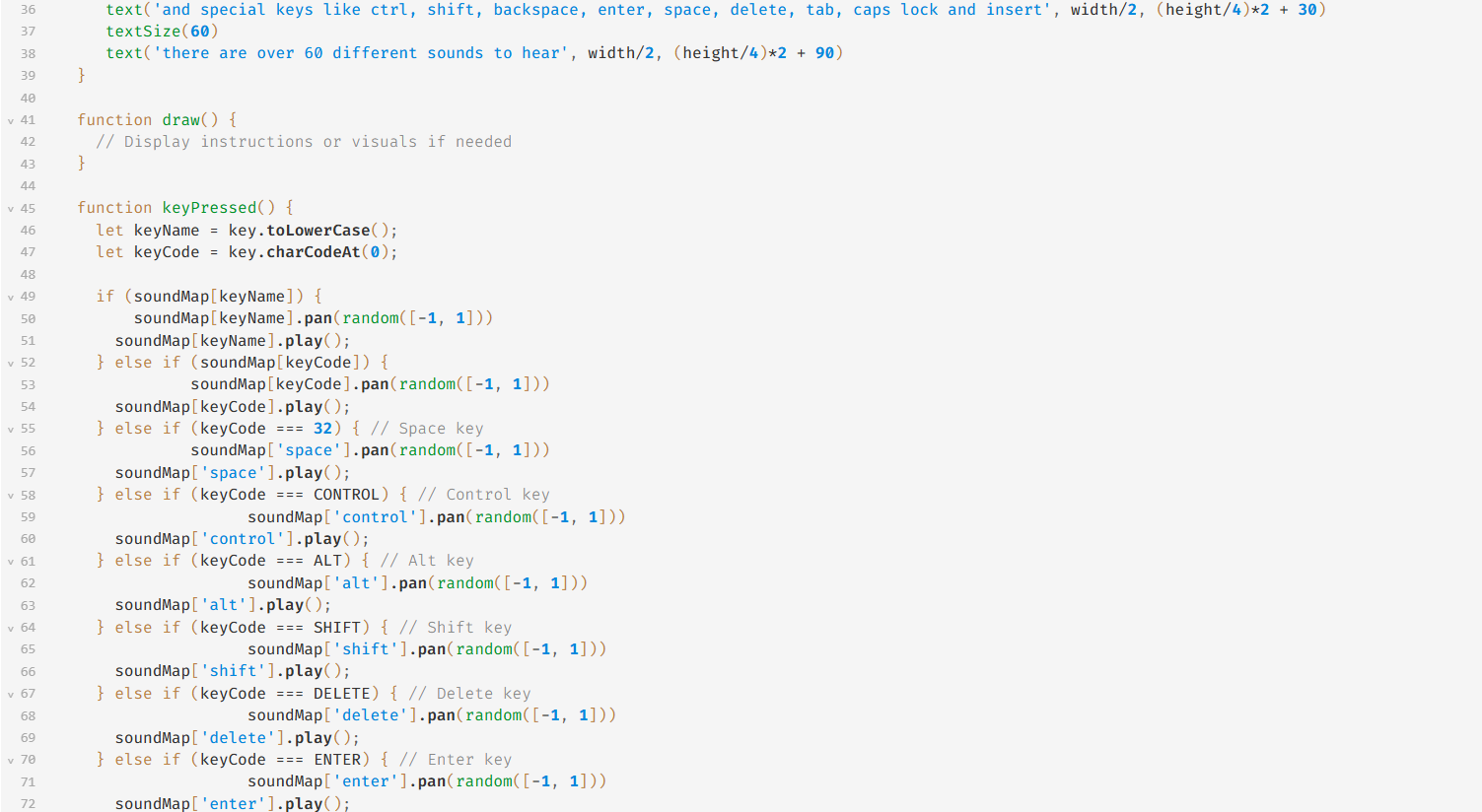
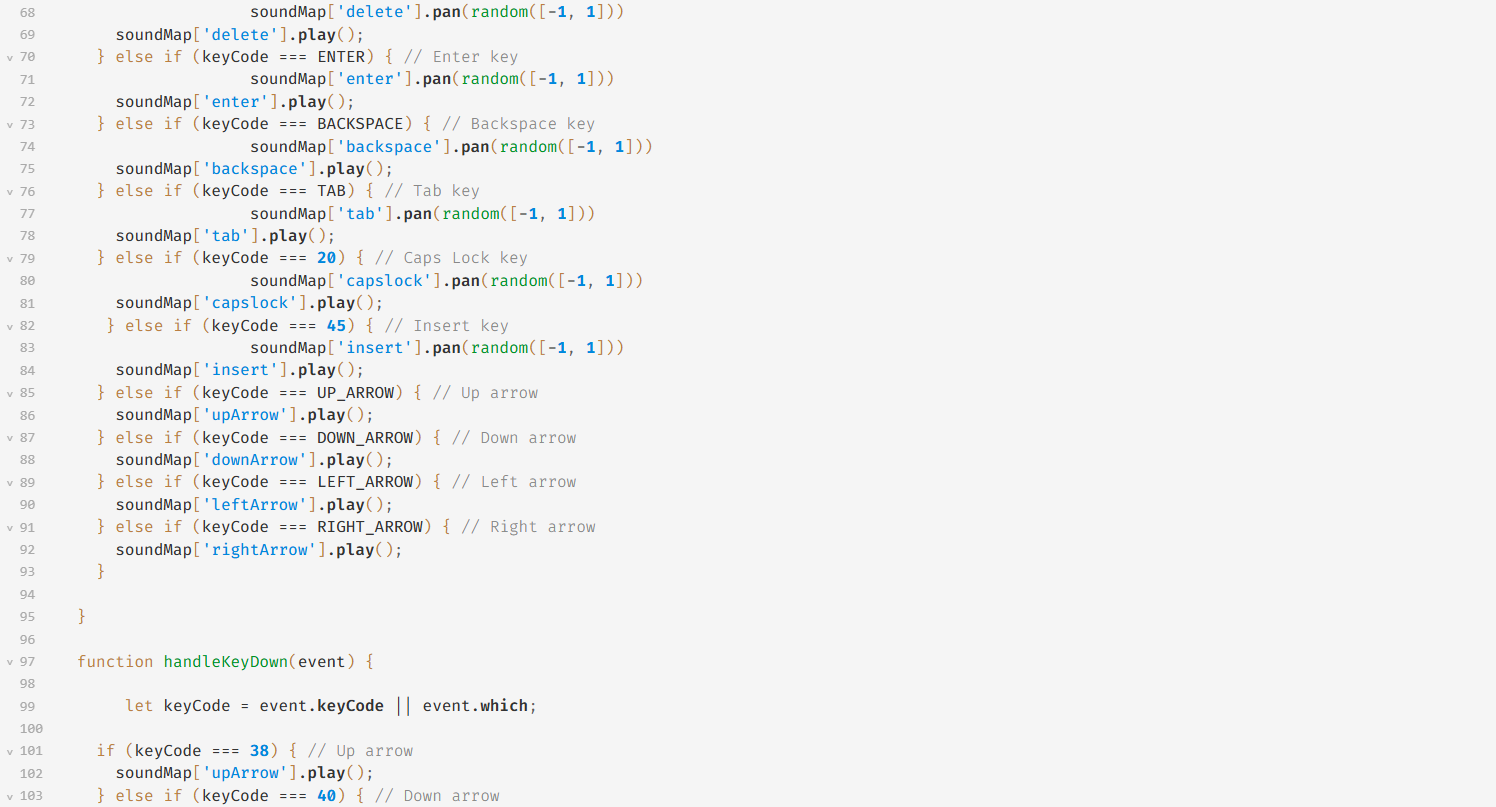
To begin the creative coding, we needed to find a baseline code that we could further develop for our project. We started by searching for interactive keyboard codes in open processing. There were many possibilities we considered, but eventually we found the perfect example that already had sounds loaded in. This gave us a strong foundation that we could easily adapt for use with the Makey Makey board, saving us time while still allowing for customization. I learned that creativity in coding often comes from modifying and remixing, not just inventing something entirely new. That shift in perspective made me more confident in experimenting with code, even if I don’t fully know where it will lead at first.
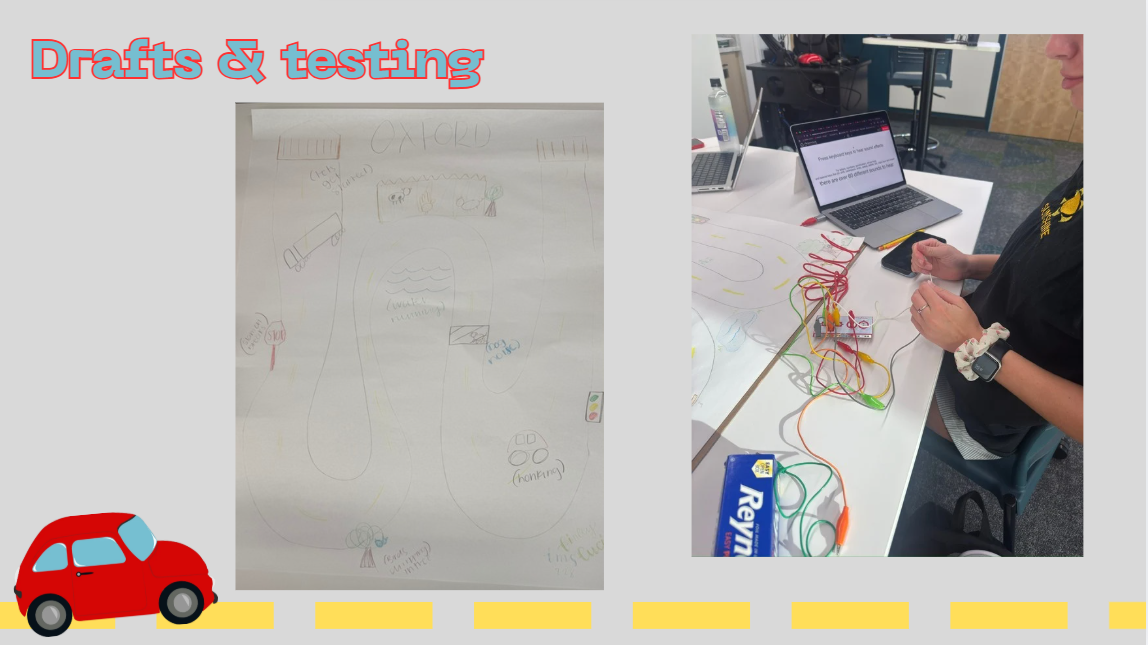
Next, we drafted the layout of the track and the surrounding visuals based on the available sounds in the code. We designed the road to be as long as possible while keeping it narrow enough so that any hand size could trigger the sounds when following it correctly. We also tested different obstacles, such as stop signs and other vehicles on the road, but ultimately decided that one stop sign and no vehicles worked best. I often assume that adding more detail makes a project better, but this part of the process taught me to step back and think about the user experience first. This simplified the design and made it easier for kids to follow without becoming confused.
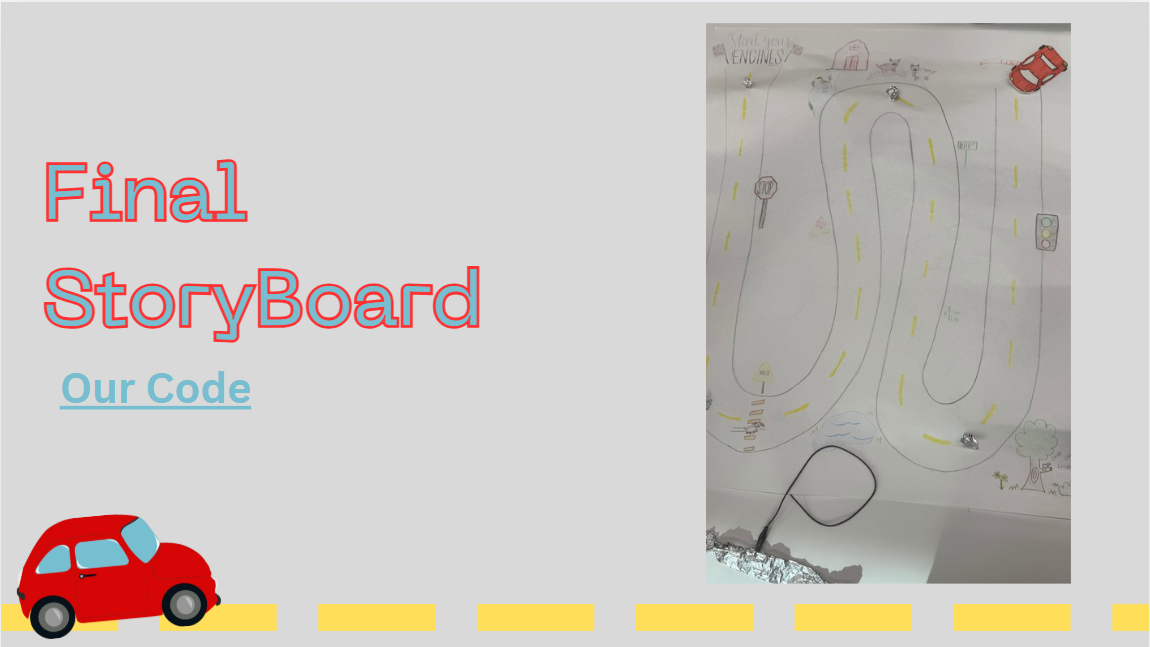
We wanted the activity to support kids who need fun and interactive physical therapy to improve their hand and arm movement. For me, this was the most meaningful part of the experience. It made me realize how design can directly affect someone’s willingness to engage in something that might otherwise feel intimidating or repetitive. Using bright colors and playful sounds made the project feel approachable and fun, and I could see how these small choices supported the larger goal of therapy. Reflecting on this, I learned how powerful design can be when it blends functionality with joy. It is not just about making something work but about making it something people actually want to do.
This project gave me more confidence to think like a designer, not just someone completing tasks, and it showed me how much impact thoughtful design decisions can have on the people who interact with what we create. Overall, this not only helped me understand the process of designing with purpose, but it also gave me a clearer sense of how I want to approach future creative challenges.